Let respondents upload a file
The file-upload question lets a respondent attach one or more files to their response. It needs Pro.
File upload needs an active Pro licence. See pricing.
| Setting | What it does | Default | Limits | Edition |
|---|---|---|---|---|
| Allowed file types | Which extensions a respondent can pick | jpg, jpeg, png, pdf, doc, docx | Chosen from a fixed safe list of 15: jpg, jpeg, png, gif, webp, pdf, doc, docx, xls, xlsx, ppt, pptx, txt, csv, zip | Pro |
| Maximum file size | Largest single file accepted | 5 MB | 1–25 MB per file | Pro |
| Maximum number of files | How many files one respondent can attach | 1 | 1–10 files | Pro |
| Combined size cap | Total size across every file on this question | 0 (no cap of its own) | Up to 50 MB when set; must be at least the per-file maximum | Pro |
Blocked regardless of your settings
SurveyX blocks executable, script, and markup files on the server, no matter what you've allowed:
PHP files (including .phtml, .phar, and similar variants), .htaccess and .htpasswd, HTML and
XML files, SVG files, JavaScript files, and common server-side and executable formats (.asp,
.jsp, .cgi, .py, .rb, .sh, .exe, .dll, .jar, and others). This check reads the file's
actual extension and content, not only the name the browser reports, so it can't be bypassed by
renaming a file.
Where files go, and who can reach them
Files are stored on your own site, under wp-content/uploads/surveyx/<survey_id>/, each renamed to
a random id rather than kept under its original filename.
Every uploaded file is served from a URL like any other file on your site — anyone who has the link can open or download it. There's no login or token check on the file itself. SurveyX hardens the folder in other ways (directory listing is off, scripts can't execute there, and — on Apache — the file is forced to download rather than render in the browser), but none of that is an access check. Don't collect files you wouldn't want reachable by anyone who ends up with the link.
What the admin sees, and what export carries
The response drawer shows a download link for each uploaded file. The response CSV export carries
the file URLs, not the files themselves — when a question has several files, their URLs are joined
with | in the same cell.
Rate limits
These aren't settings you configure — they're built-in limits that stop abuse:
- A single respondent can upload at most 20 files per minute.
- A single IP address can upload at most 60 files and 100 MB per hour.
- A single survey can hold at most 2,000 stored files and 1,024 MB in total.
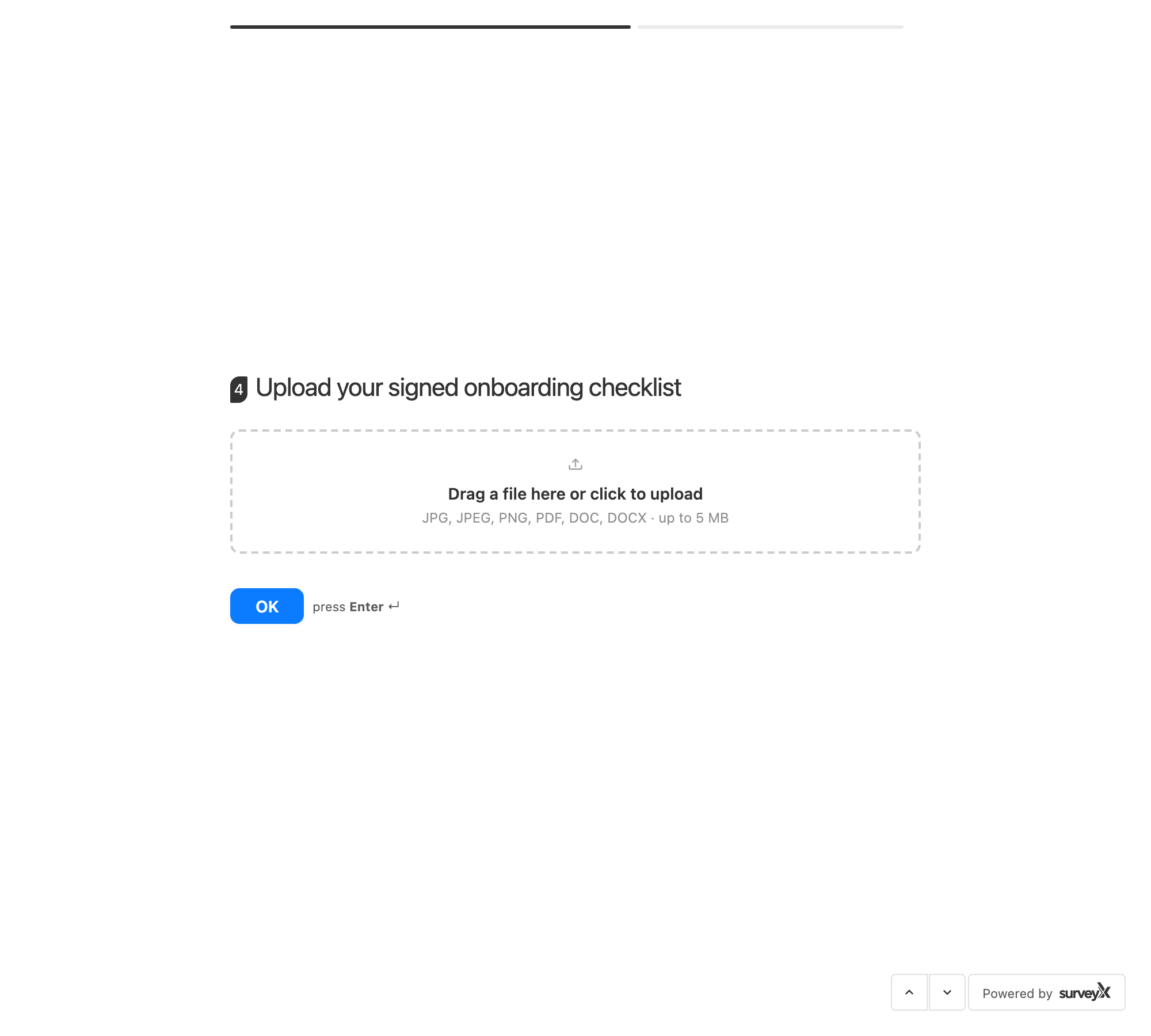
What respondents see: a file picker limited to your allowed types, size, and count.
Troubleshooting
A respondent's upload is rejected even though the extension looks allowed. Check whether it's on the blocked list above — that block applies no matter what you've allowed, and it checks the file's actual content, not only its name.
The combined size cap won't go below what I want. It has to be at least the per-file maximum — raise the combined cap, or lower the per-file size instead.
I want the uploaded files to stay private. Not possible today — any file uploaded to this question is reachable by anyone with its URL.
A respondent hit an upload error with no obvious cause in my settings. Check the rate limits above — none of them appear as a setting, but any one of them can block an upload.