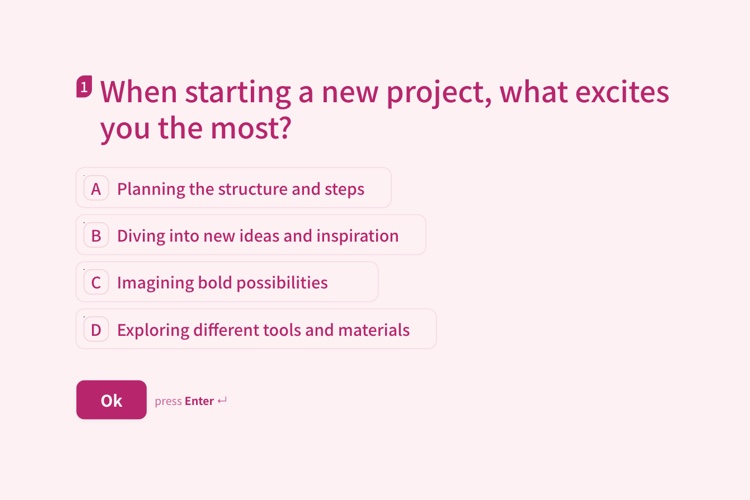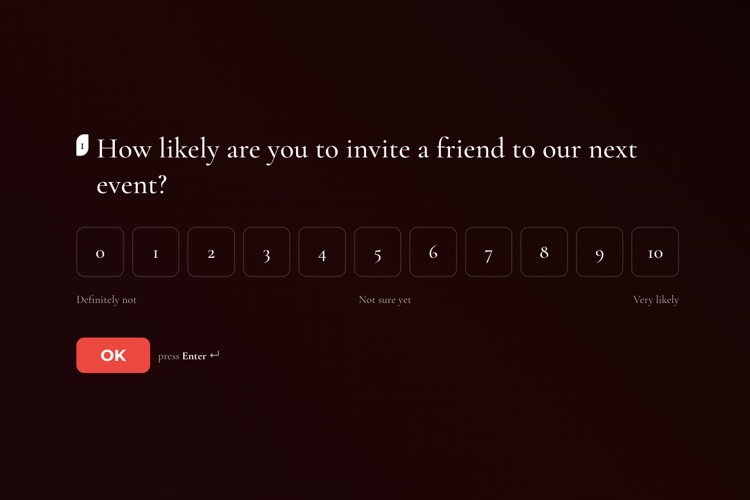
How Likely Are You to Invite a Friend to Our Next Event?
One opinion-scale question, 0 to 10, with your own wording at each end. The whole survey is a single screen.
View templateDesign them in minutes in a beautiful, no-code visual editor. Skip logic, live analytics and 250+ ready-made templates, all stored on your own WordPress site with no per-response charges.
Every response is saved in your own WordPress database, on your own hosting, never on a service you would have to export it back from.
Collect as many as you like on any plan. No per-response charge and no bill that climbs the moment a survey takes off.
An intuitive, no-code visual editor anyone can pick up: add your questions, choose a theme and publish a polished survey in minutes, with no learning curve.
Built for the WordPress ecosystem and the tools you already use
Pick from 250+ ready-made templates and make them yours in the visual editor: add your questions, choose a beautiful theme, with no code.
Explore design
13 question types, including rating scales, a 0–10 opinion scale for NPS, contact info, date, file upload and a matrix grid. Skip logic routes each answer to the right next question.
See question types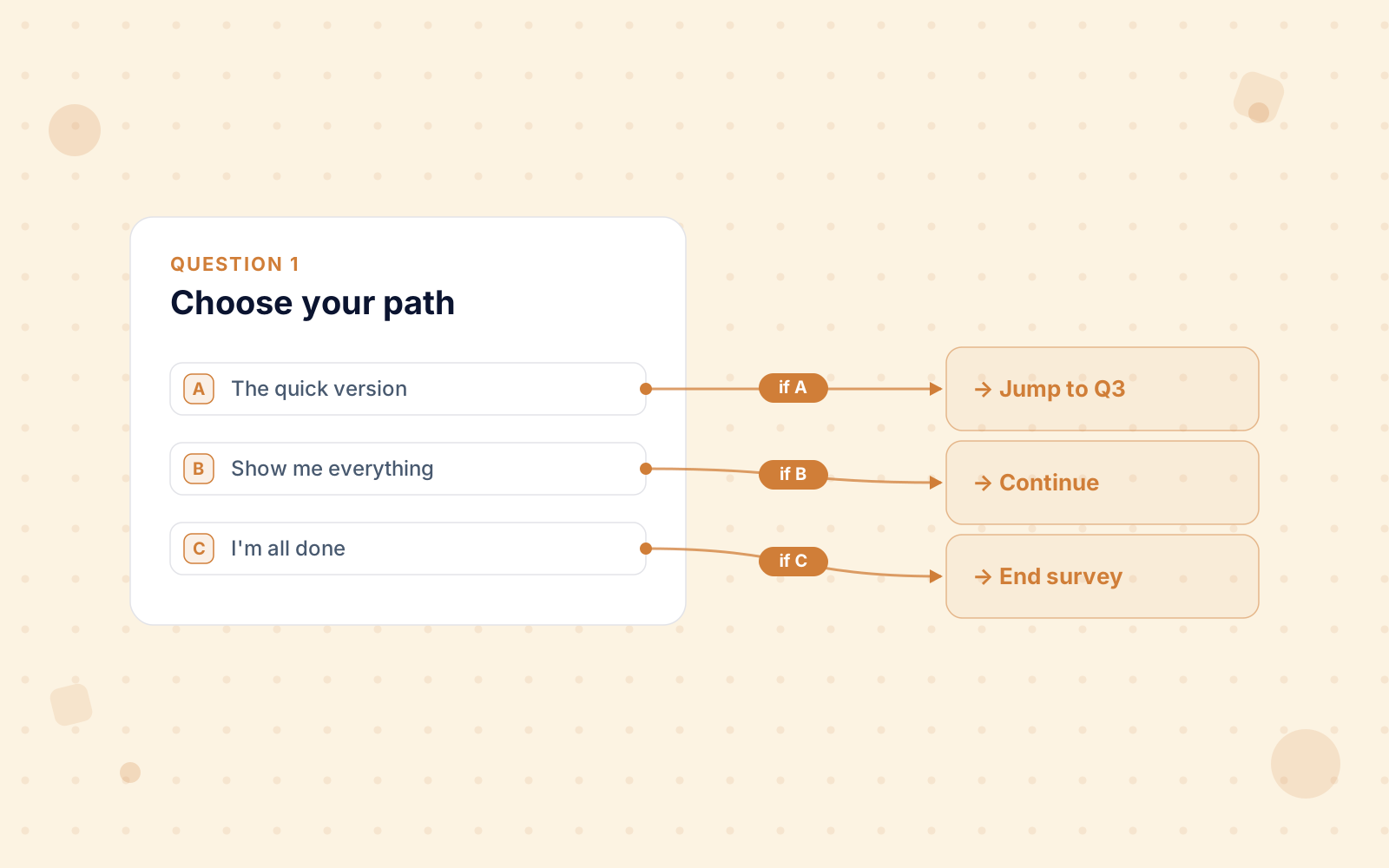
Every survey you activate gets its own page at /survey/123/your-survey/. Send that link by email, post it, or turn it into a QR code, with no page to build. To place it instead, embed it with the [surveyx id="X"] shortcode, a native Gutenberg block or an Elementor widget.
![A SurveyX survey running inside a WordPress page, with the [surveyx] shortcode that placed it over the corner](/images/features/il/shortcode-violet.svg)
Every response reaches your dashboard as it lands, and the rest follows: response trends, a completion funnel and per-question drop-off.
See analytics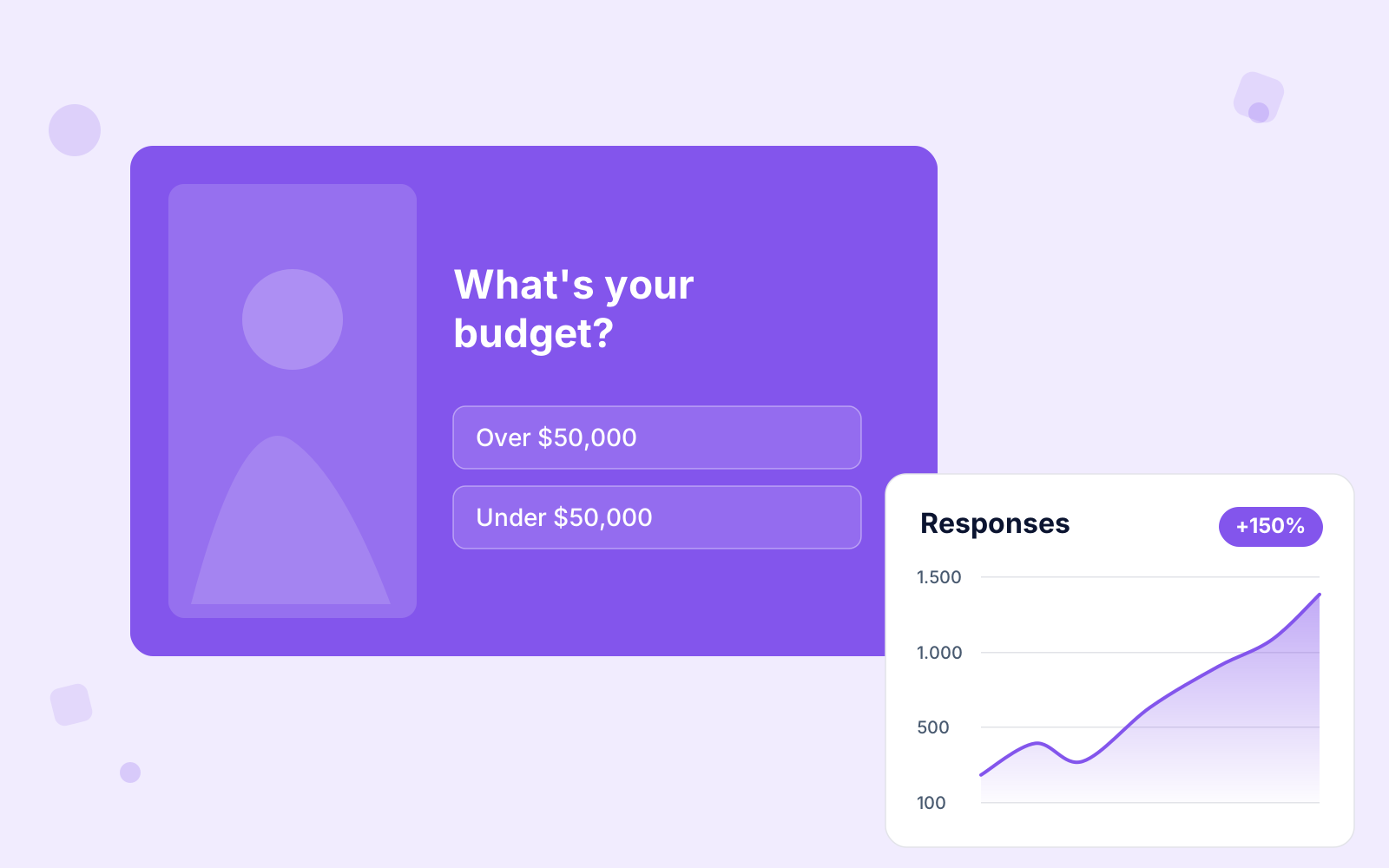
Every response lives in your own WordPress database, with no per-response fees. One-click CSV export whenever you want.
See analytics & export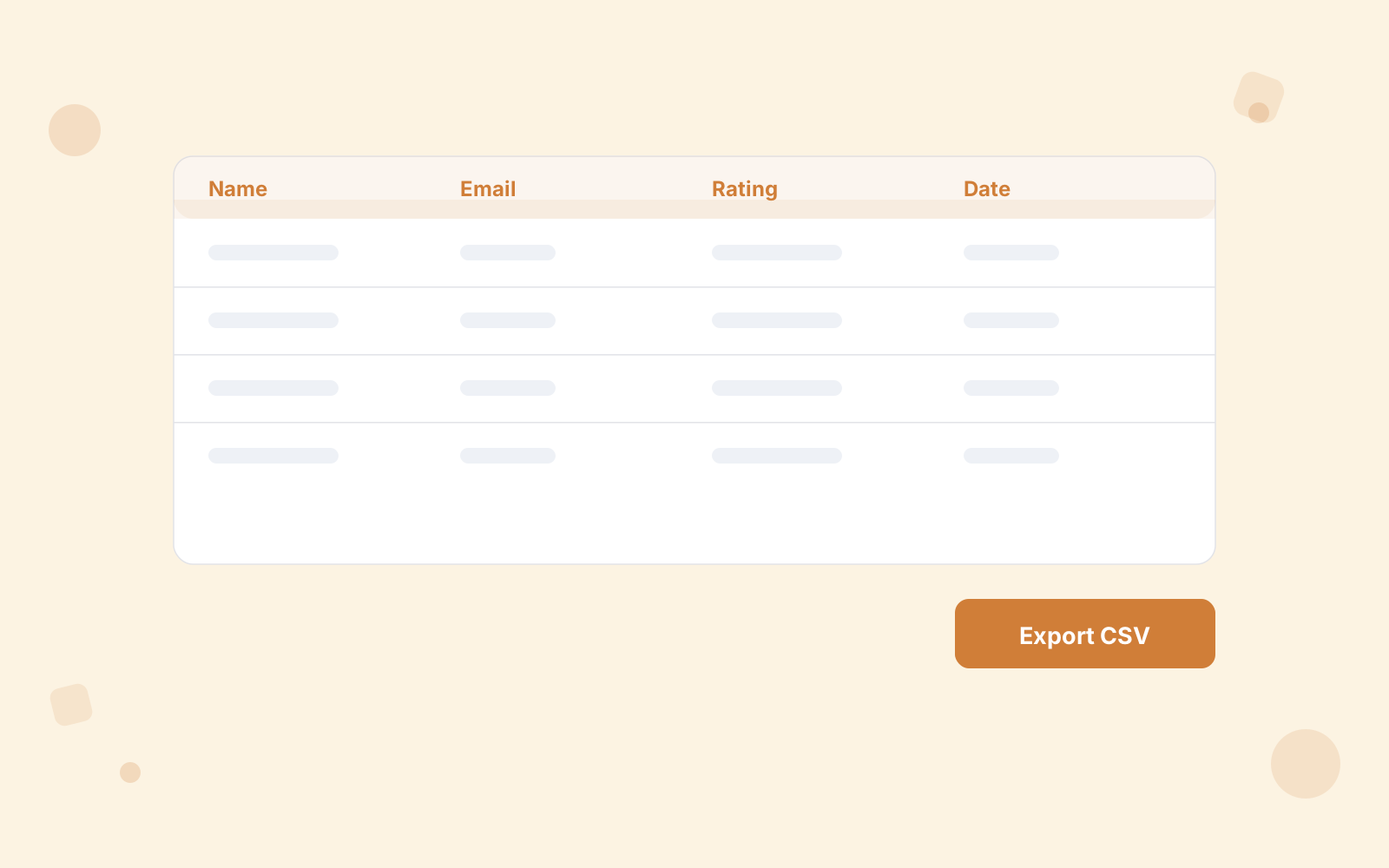
From a one-question poll to a branching NPS programme, built in the same editor.
Multiple choice, multi-select, dropdown, text, yes/no and single or multi image choice, plus rating scales, 0–10 opinion (NPS) scales, contact fields, date pickers, file upload and a matrix grid.
Send respondents down the right path based on their answers.
Every response rolls into your dashboard as it lands, with live result bars for voters on a Quick Vote.
Get a personalized email alert every time someone completes a survey, sync contacts to Mailchimp, and send the full response to Zapier or a Google Sheet.
Gorgeous out of the box with 22 themes, 16 of them Pro-only, plus a custom theme builder and 1,000+ Google Fonts. No design skills needed.
reCAPTCHA v2, invisible reCAPTCHA v3 and Cloudflare Turnstile, so real respondents never see a challenge.
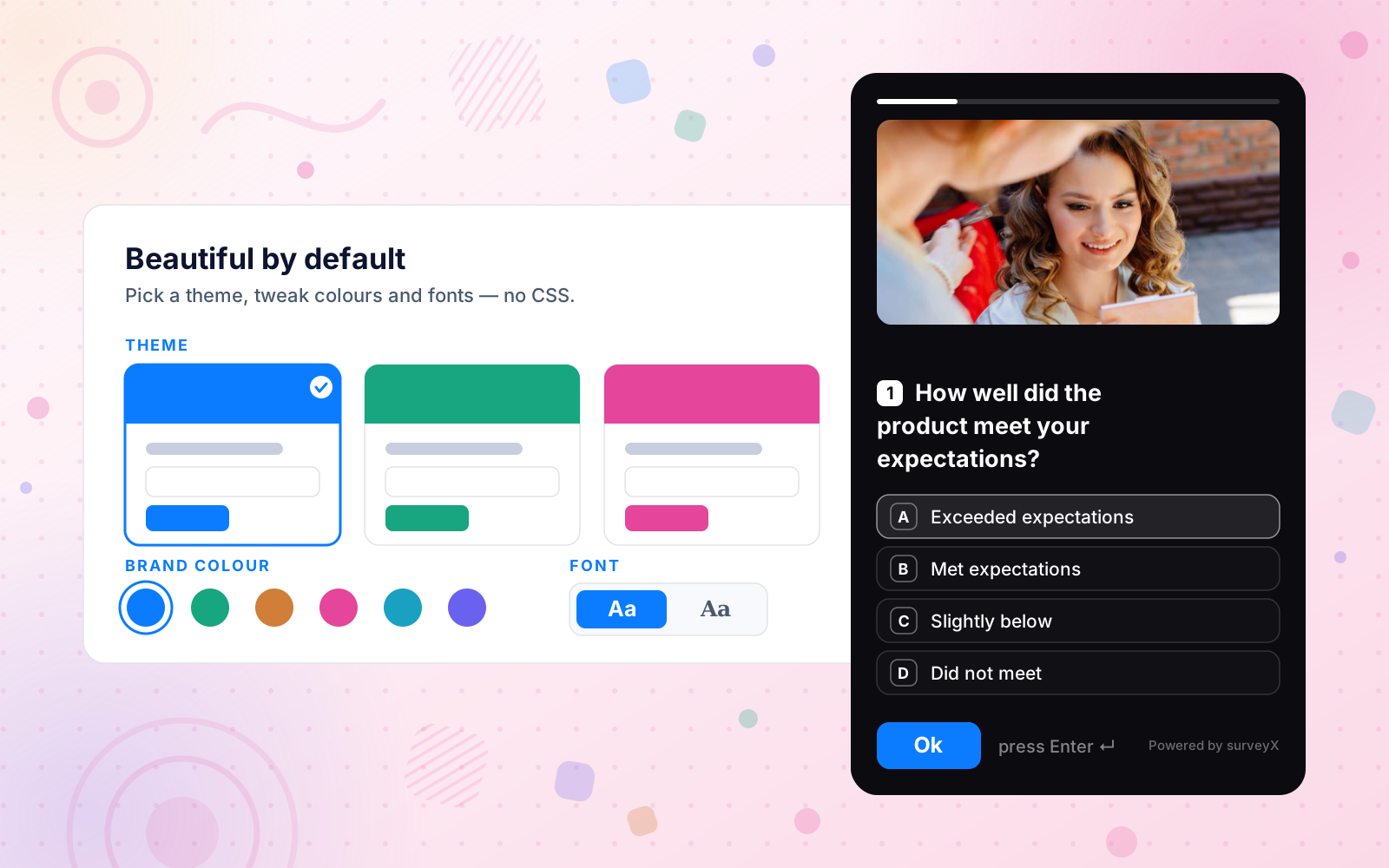
Pick one of 250+ ready-made templates, add your questions, publish. No designer, no developer, live in minutes, and it looks professional from the first click.
Publish it two ways: share the survey's own link at /survey/123/your-survey/, or embed it with the [surveyx id="X"] shortcode, a native Gutenberg block or an Elementor widget.
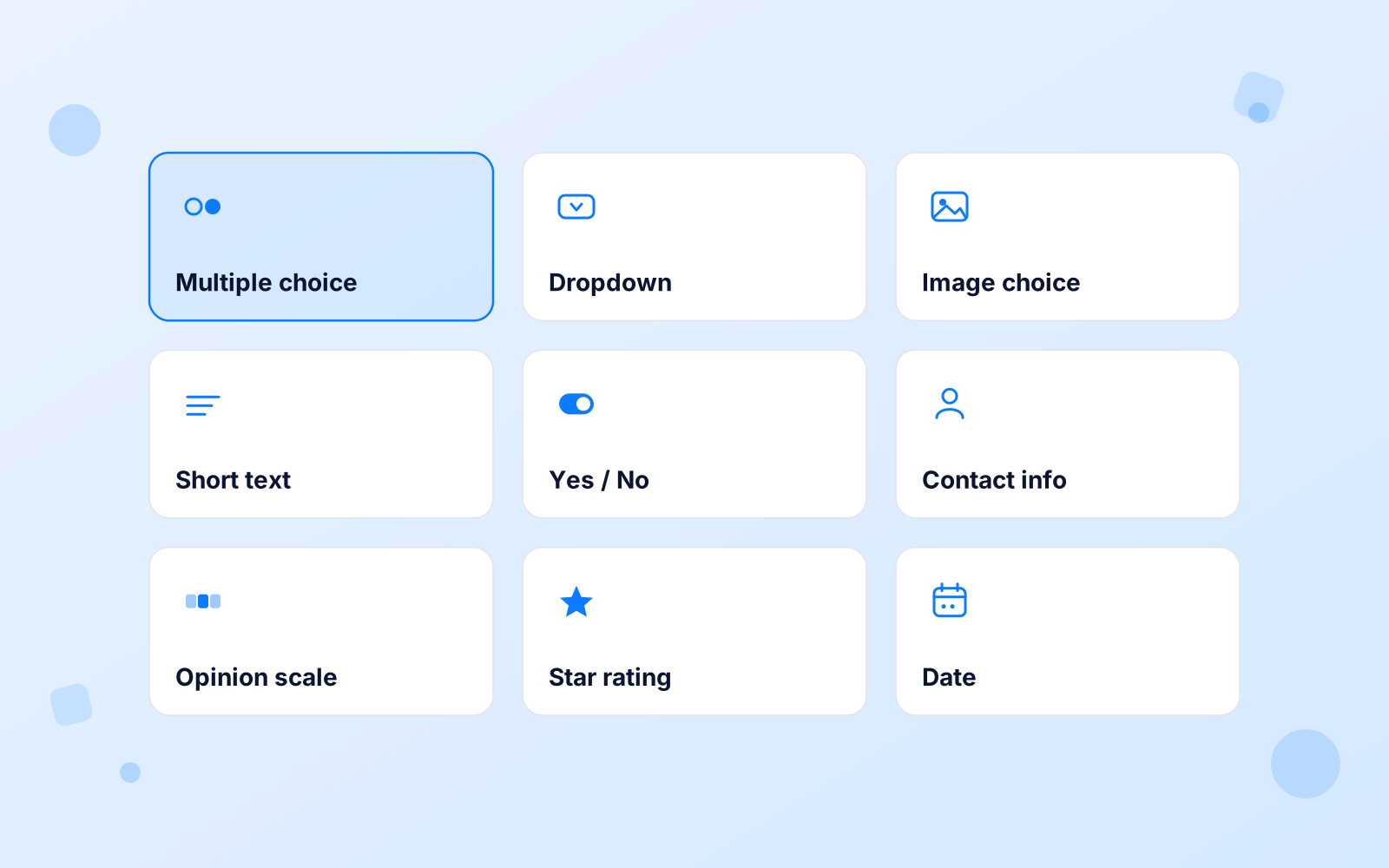
13 question types are ready to use. Seven free: multiple choice, multi-select, dropdown, text, yes/no, and single or multi image choice. Six more: star ratings, a 0–10 opinion scale for NPS, contact-info fields, date pickers, file upload and a matrix grid.
Skip logic routes each answer to the right next question, result or closing screen. Shorter for them, cleaner data for you.
Over 250 ready-made layouts for hiring, feedback, events, sales, teaching, lead generation, research and audience engagement. Open one, change the questions, publish.
One opinion-scale question, 0 to 10, with your own wording at each end. The whole survey is a single screen.
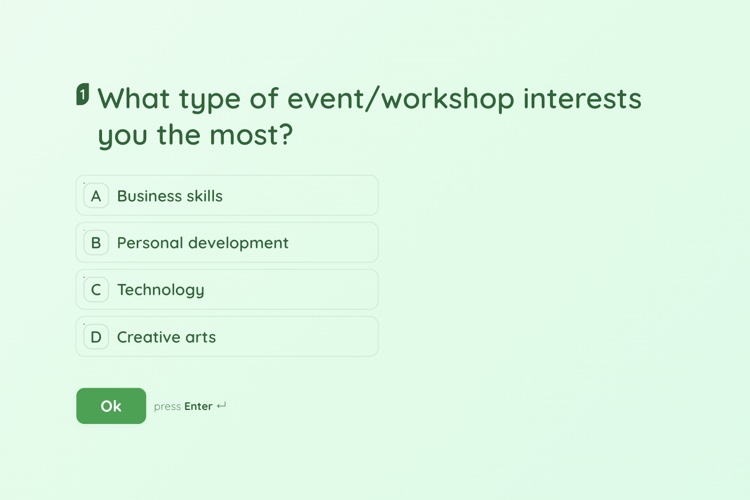
View templateTen questions, one per screen, landing the visitor on a result worth sharing rather than a thank-you page.
View templateTen questions that collect interest, preferred time slot and contact details in one pass, stored on your own site.
View template
Every survey looks polished the moment you publish, with 22 themes to choose from, 16 of them Pro-only.
Then make it yours: your logo, custom colors, 1,000+ Google Fonts and backgrounds. The result is clean, responsive forms that look native to your site, no code.
Every one starts from a template and looks beautiful on any device, no design skills required.
Customer feedback, satisfaction (CSAT) and market research in minutes.
Quick single-question polls with live result bars.
Knowledge quizzes and personality tests, scored or outcome-based.
Net Promoter Score and product feedback loops.
Lead capture, event registration and contact forms, all stored on your own site.
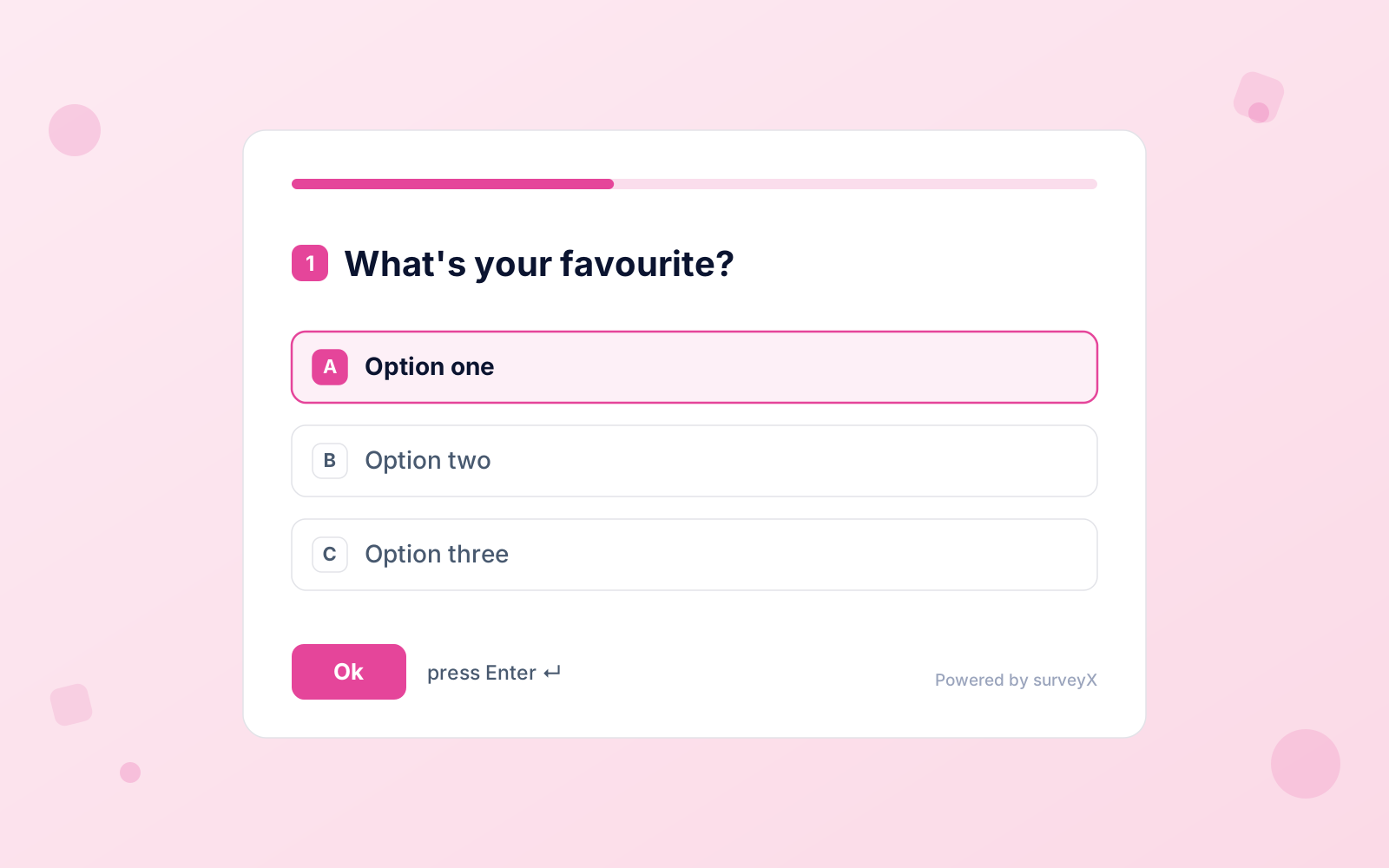
Answer recall pulls an earlier reply, even a name, into a later question, so a flat form reads like a conversation: “How satisfied are you with your order, Alex?”
If someone steps away, save-and-resume remembers where they stopped, shows a progress bar, and lets them fix an earlier answer before submitting.
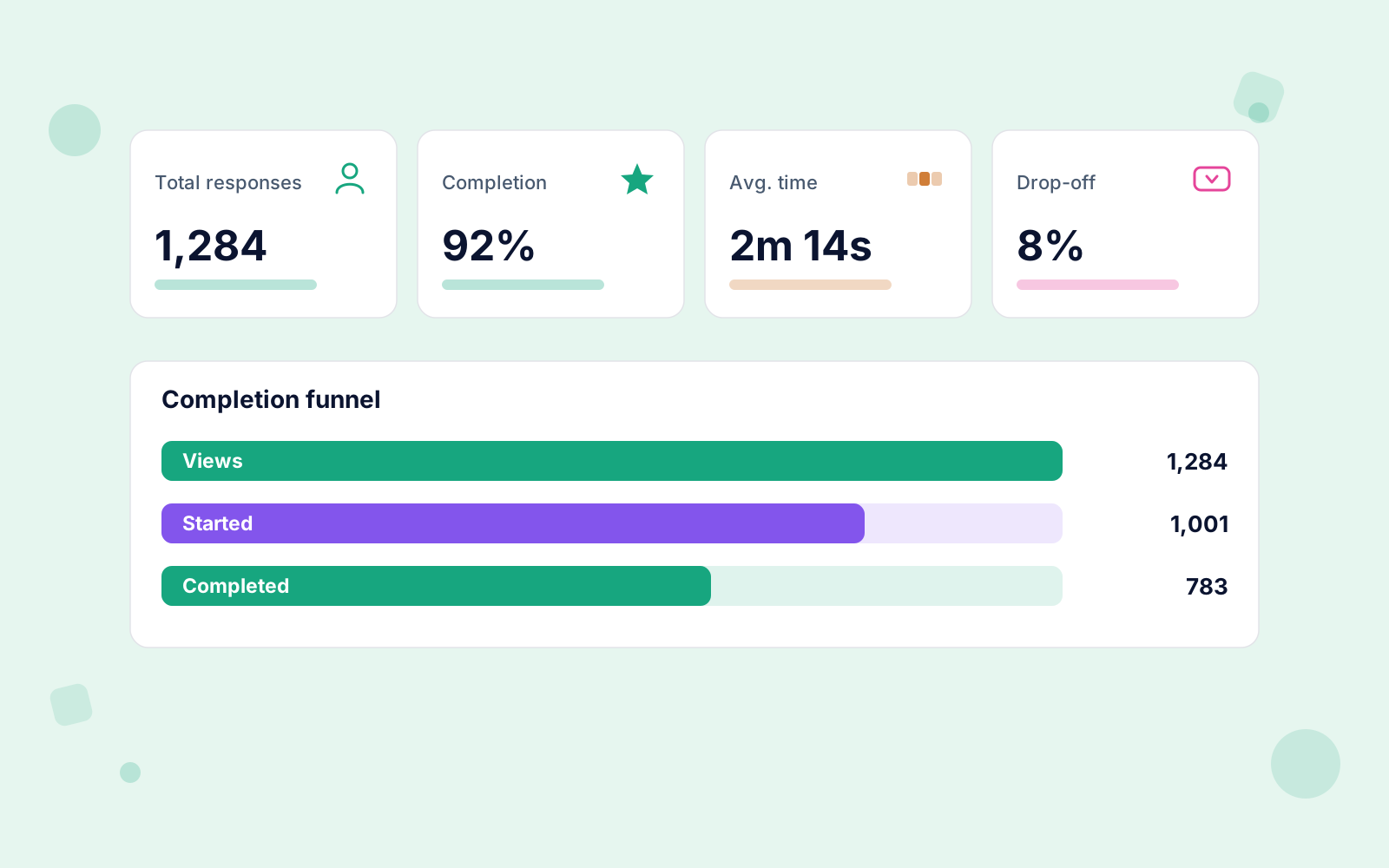
Every response rolls into your dashboard as it lands, so the picture updates while the survey is still running.
Behind it: response trends, a completion funnel, per-question drop-off and CSV export.

Every completed response can trigger a personalized email alert with the respondent's name, email and phone, so a fresh lead reaches you in minutes. New contacts sync straight to Mailchimp, and the full response can go out to Zapier or land in a Google Sheet as its own row.
Publish by sharing the survey's own link, or embed it with the [surveyx id="X"] shortcode, a native Gutenberg block or an Elementor widget. Keep bots out with reCAPTCHA v2, v3 or Cloudflare Turnstile.
“One affordable plugin covers everything a professional survey needs: skip logic, analytics, 250+ templates and unlimited responses. Pay once a year, or own it for life.”
SurveyX Builder is a fantastic plugin for creating surveys, polls, and quizzes on WordPress. The interface is very intuitive and beginner-friendly, making it easy to build professional surveys without any coding.
wordpress.org reviewA very easy-to-use survey plugin with a clean interface. It works smoothly and has all the essential features for creating forms, polls, and surveys. Overall, a great experience. Highly recommended!
wordpress.org reviewSkip logic makes an onboarding survey feel personal: people only see the questions that apply to them.
Higher completionMailchimp sync and one-click CSV export give research teams exactly the data they need, right from their own WordPress admin.
Own your dataThe things people ask before installing: what SurveyX does, where your responses live, and whether it will slow the site down. Pricing & licensing FAQs
Genuinely free. SurveyX Builder is on WordPress.org with unlimited surveys and unlimited responses: no time limit, no response cap, no credit card. The main limit to know about: a free survey holds one question, so it's built for polls, quick feedback and single-question quizzes. Multi-question surveys are a Pro feature.
Seven question types: multiple choice, multi-select, dropdown, text input, yes/no, image choice and multi-image choice. With them come 6 themes, an analytics dashboard, revision history, responsive output and Google reCAPTCHA v2. Publishing is covered too: every survey you activate gets its own page at /survey/123/your-survey/, and the [surveyx id="X"] shortcode embeds it anywhere. One site, with community support on the WordPress.org forum.
Pro turns single questions into real surveys. You get multiple questions per survey and all 13 question types, adding rating scales, a 0–10 opinion and NPS scale, contact info, date, file upload and a matrix/Likert grid. Then skip logic and branching, answer recall, and save-and-resume for part-finished runs. It takes the theme count to 22 with a custom theme builder and Google Fonts, and replaces the SurveyX credit with your own. Beyond the builder: advanced analytics with CSV export, Gutenberg and Elementor blocks, email notifications, Mailchimp, reCAPTCHA v3 and Turnstile. On the survey’s own page it adds the two controls that matter once a link is public: search indexing, and a redirect after someone submits.
No. You add and arrange questions in a beautiful visual editor, pick a theme, and publish. There is nothing to configure in code, and no design skills needed. If you'd rather not start from a blank page, there are 250+ ready-made templates for feedback, quizzes, NPS, HR, events, market research and more.
In your own WordPress database, on your own hosting. Nothing is sent to a third-party service, so there's no per-response pricing and no monthly data fee, and you keep full control of respondent data for GDPR purposes. Pro adds one-click CSV export when you want the raw data elsewhere.
No. SurveyX loads its CSS and JavaScript only on pages where a survey appears, and keeps admin code and unused libraries off the frontend entirely. Pages without a survey are untouched.
Yes, with any properly coded WordPress theme. You can also skip the page entirely: every activated survey is live at its own address, /survey/123/your-survey/, ready to share as a link. To put it on a page instead, use the [surveyx id="X"] shortcode anywhere, or the native Gutenberg and Elementor blocks in Pro. SurveyX needs WordPress 6.0 or newer and PHP 7.4 or newer.