Connected to the tools you already use
Every survey gets a shareable page, email alerts, Mailchimp sync, native page-builder blocks and spam protection. Send each completed response on to Zapier, a Google Sheet, or a URL of your own. Nothing extra to buy from us.
Built for the WordPress ecosystem and the tools you already use

Every survey gets its own link
Activate a survey and it is live at /survey/123/your-survey/. Nothing to embed, no page to build. Share the link anywhere and it unfurls with its own title, description and preview image.
Rename the /survey/ part in Settings, or switch standalone pages off entirely. Pro adds search-engine indexing per survey, and a redirect to any URL the moment someone submits.
![A SurveyX survey running inside a page, with its [surveyx] embed shortcode and a Copy button over the corner](/images/features/il/shortcode-cyan.svg)
Or drop it straight into a page
Embed with the [surveyx id="X"] shortcode, or place surveys visually with the native Gutenberg block and Elementor widget.
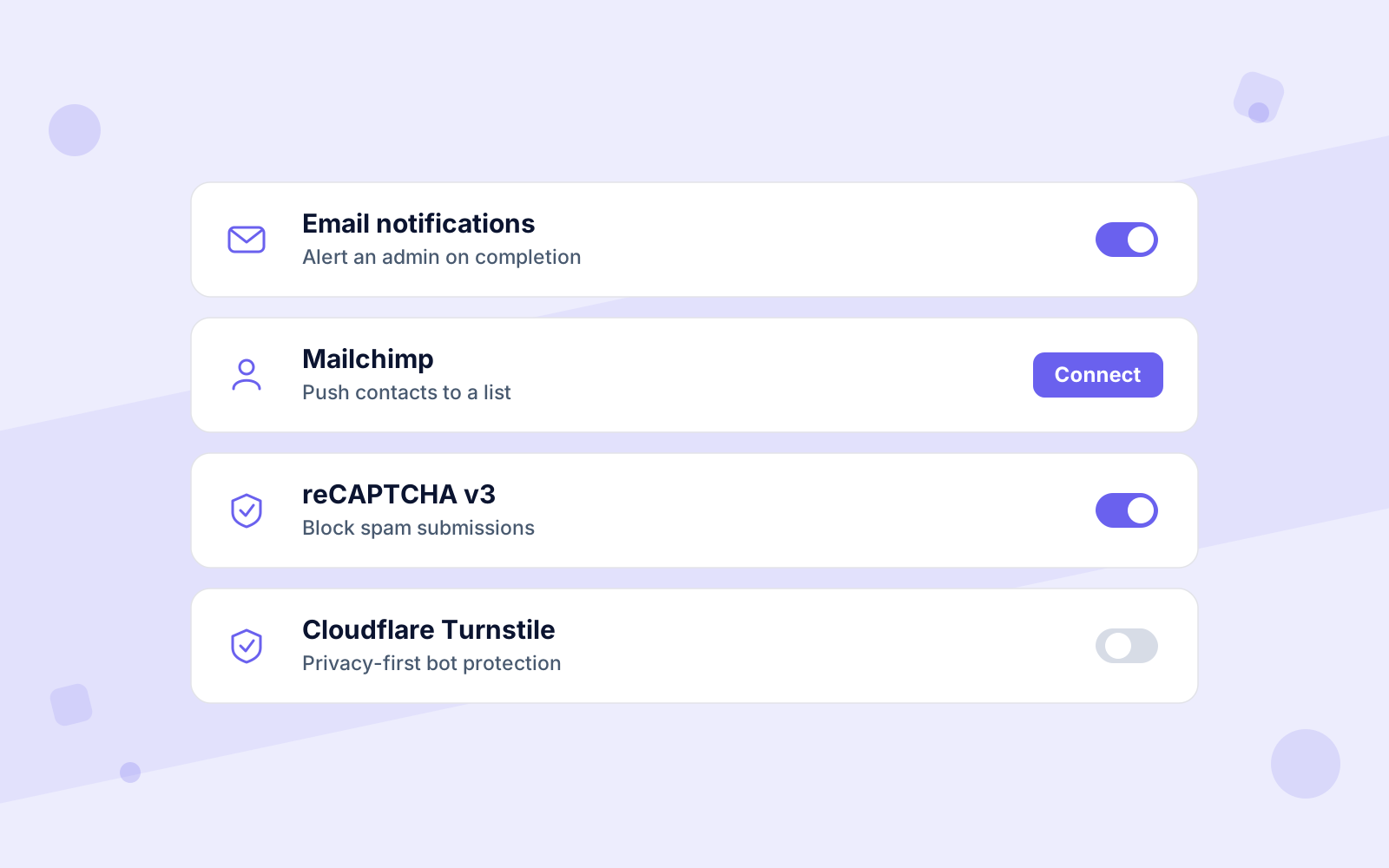
Block spam with reCAPTCHA v2, invisible reCAPTCHA v3 or Cloudflare Turnstile. Translation-ready with WPML.
Know the moment someone responds
Get an email as soon as someone completes a survey, carrying their name, email and the survey name. Respondents sync to your Mailchimp list automatically.
The email is queued in the background, so no respondent waits on it.
Connect a survey to thousands of apps
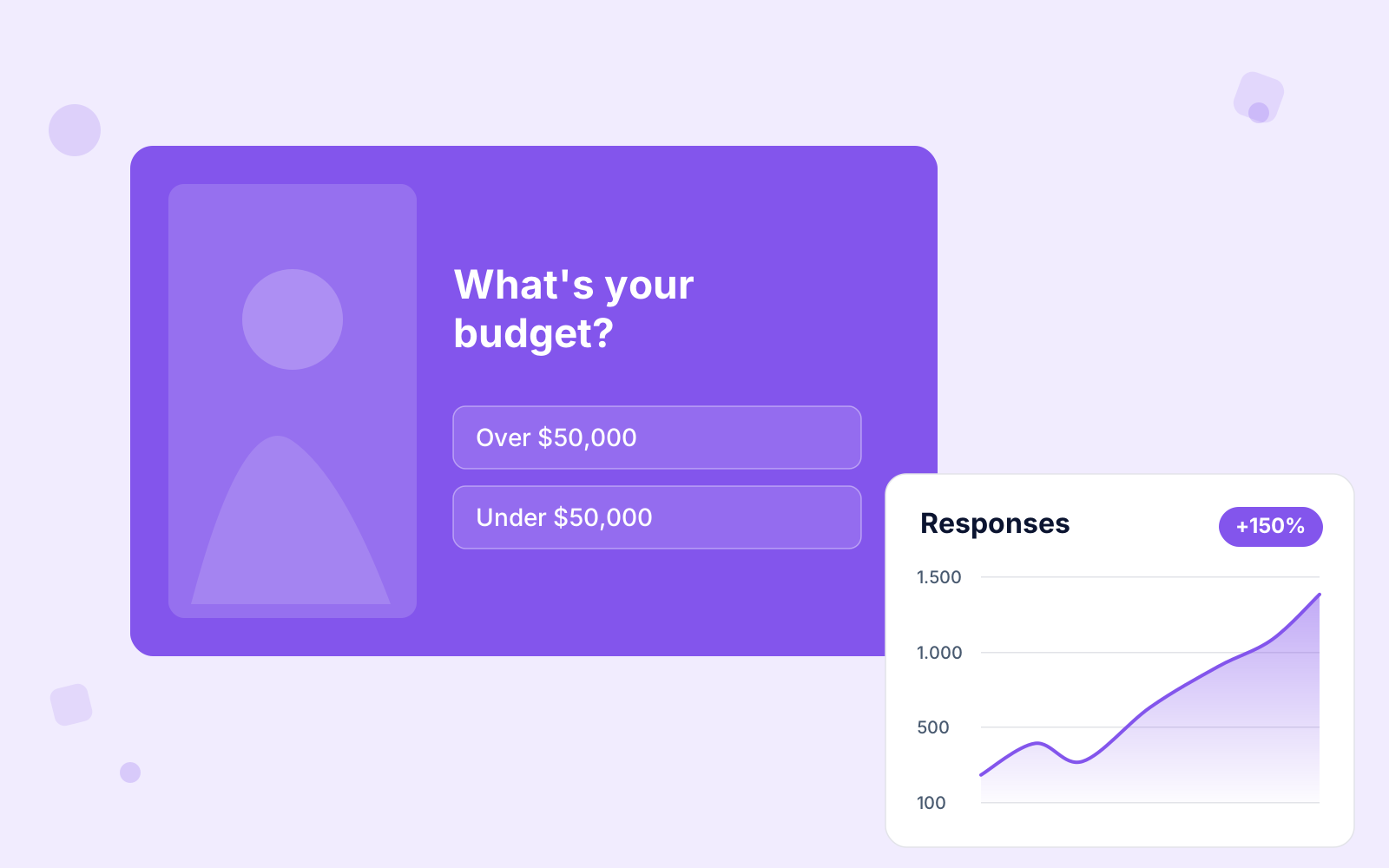
Paste the catch-hook URL Zapier or Make gives you into a survey. Every completed response then goes out with all the answers, ready to land in your CRM, your Slack, or wherever else you work.
You can skip the connector and point it at a URL of your own, and SurveyX talks to your service directly. Contact details travel only if you switch PII on. Every send happens in the background, so nobody waits.
Every response, a new row in your spreadsheet
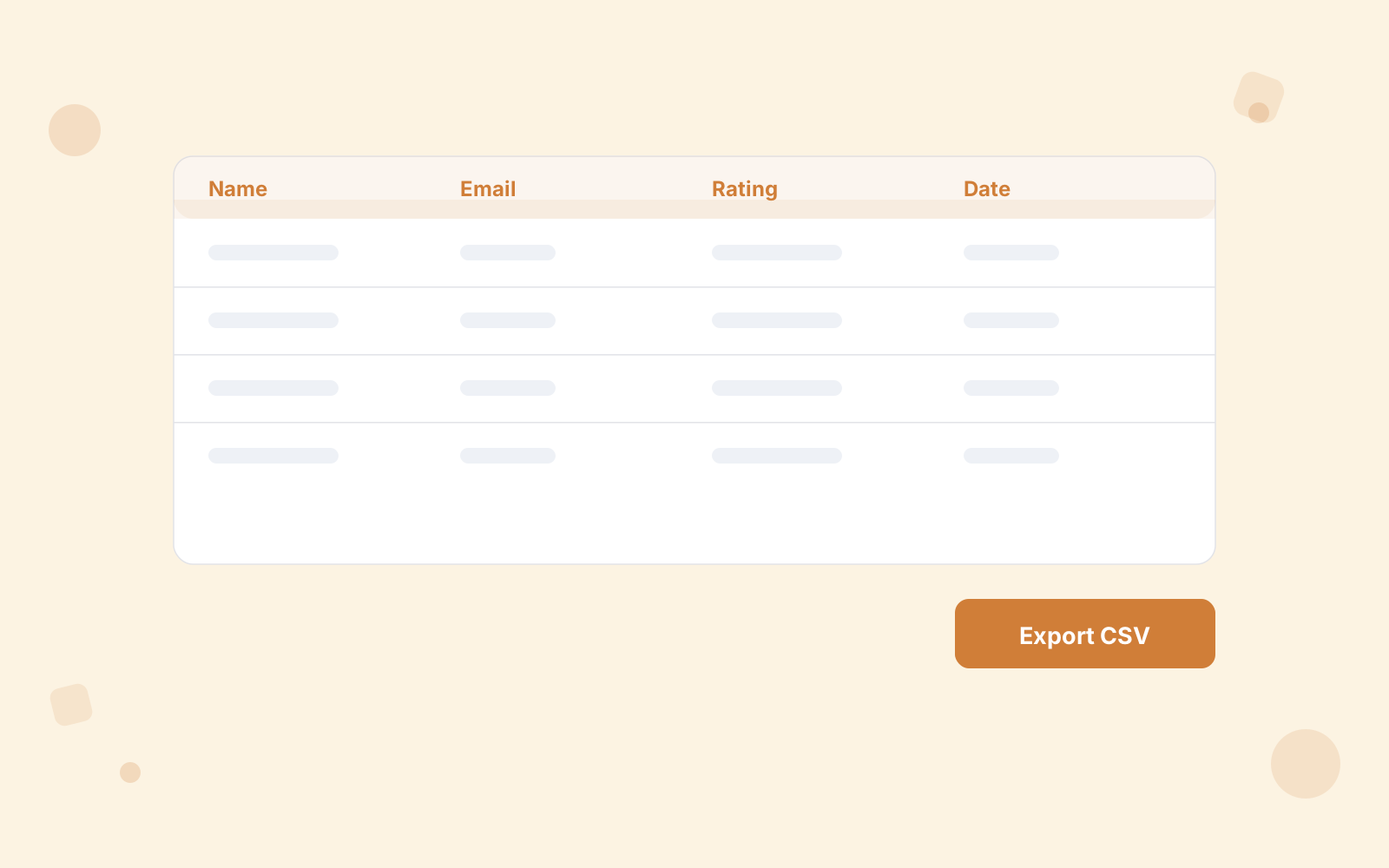
Straight into a Google Sheet, with no Zapier in between. Paste the short script SurveyX gives you into the sheet's Apps Script editor. Deploy it, paste the URL back, done. No OAuth, no Google account to connect.
Each completed response appends a row. Columns take their names from your questions and new ones appear automatically when you add a question, so the sheet keeps up with the survey.
Integration questions?
We have the answers
Embedding, notifications, Mailchimp and keeping bots out of your results. Pricing & licensing FAQs
Two ways. Share the survey’s own link: activate it and it is live at /survey/123/your-survey/ with nothing else to set up. Or embed it, by pasting the [surveyx id="X"] shortcode into any post, page or widget; it works in any page builder that accepts shortcodes. There is also a native Gutenberg block and an Elementor widget for placing surveys visually.
Yes, and it is the quickest way to publish. Activate a survey and it is immediately live at /survey/123/your-survey/. Copy the link from the survey’s Share panel and send it by email, post it, or turn it into a QR code. Shared links unfurl properly: each page carries its own title, description and preview image through Open Graph and Twitter card tags.
Yes. The URL base is a setting, so you can serve survey pages from /poll/, /feedback/ or anything else that does not clash with WordPress’s own paths. If you would rather only ever embed with the shortcode, standalone pages can be switched off site-wide in the same place.
Both are Pro settings on the survey’s page options. Turn indexing on for a survey you want found in search; free survey pages are always noindex. Set a redirect URL and respondents land on a thank-you page, an offer or your homepage the moment they finish.
Yes. An email fires when someone completes a survey, sent to the address you set in Settings. You write the subject, title and message yourself, and drop in dynamic values: the survey name and the respondent’s name, email, phone or ID. It links back to the dashboard for the full answers. The mail goes out in the background, so a submission never waits on your mail server.
Yes. Paste the URL Zapier or Make gives you into a survey, and every completed response goes out to it with all the answers, ready to route into thousands of apps. You can also skip Zapier and send it to a URL of your own, which SurveyX posts to directly. Contact details are included only if you turn PII on, and sending happens in the background, so nobody waits.
Yes, and without Zapier. SurveyX gives you a short script to paste into the sheet’s Apps Script editor. Deploy it, paste the Web App URL back into the survey, done. There is no OAuth step and no Google account to connect. Each completed response then appends one row, with the columns named after your question titles. Add a question later and the sheet gains a column for it automatically.
Yes. Contact-info fields collected in the survey can be pushed straight to a Mailchimp list, so a completed survey becomes a subscriber without an export in between.
Google reCAPTCHA v2 is built in, alongside invisible reCAPTCHA v3, which needs no interaction at all, and Cloudflare Turnstile for a more privacy-friendly alternative.