Coffee Lovers Sign-Up Form
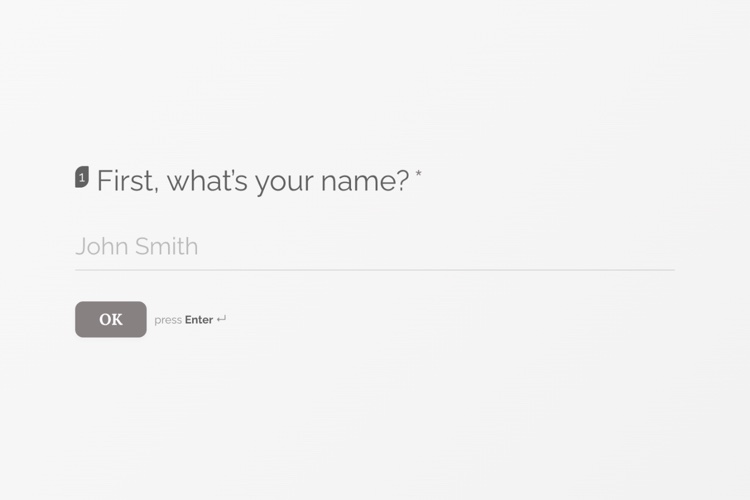
Name, then email, then taste, one field per screen. The contact details land in your WordPress database.
View templateCollect names, emails and event RSVPs with on-brand forms you can drop into any page or post, every submission stored on your own site.
Built for the WordPress ecosystem and the tools you already use
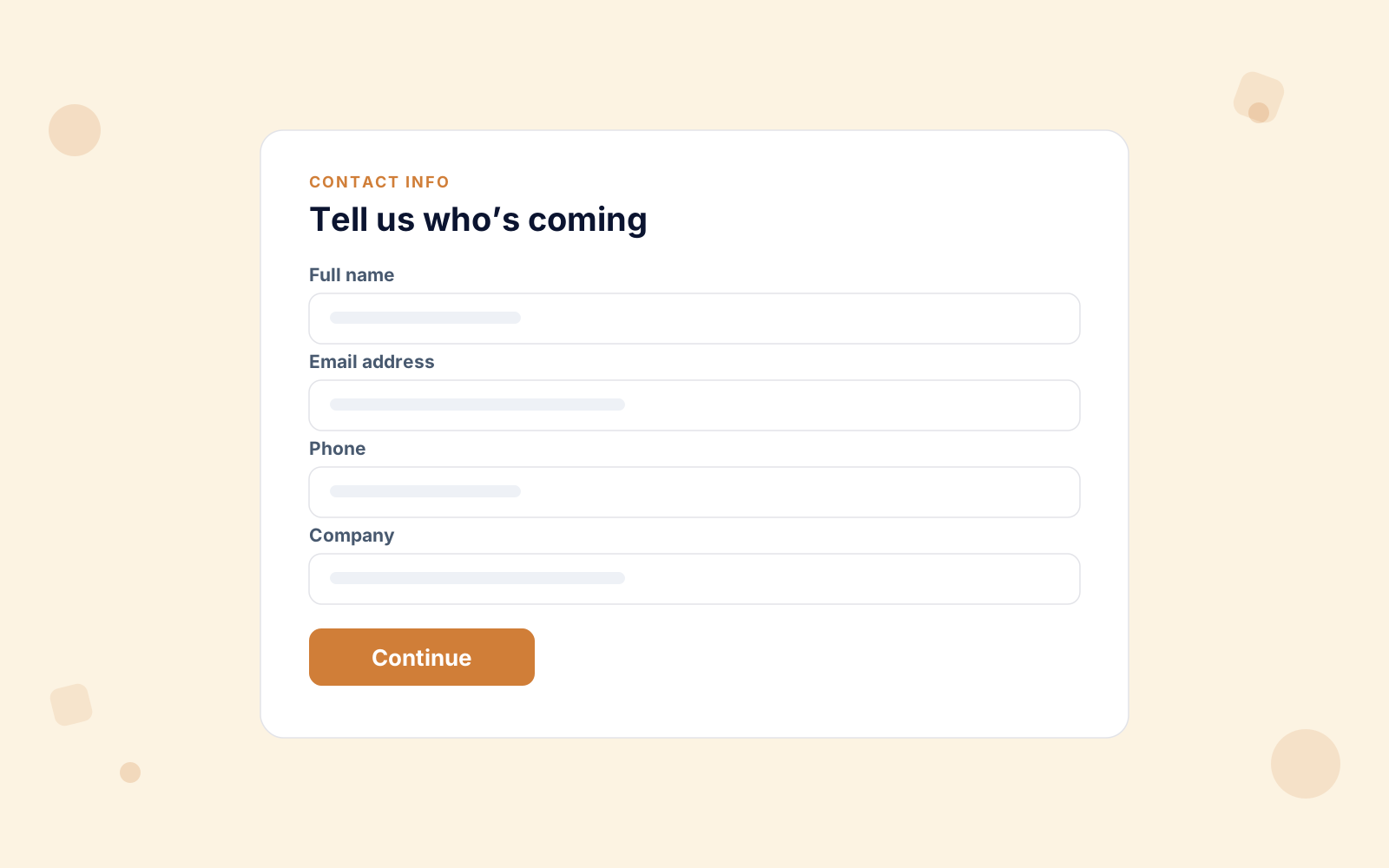
Registrations, RSVPs and lead forms all come down to collecting the right details cleanly. A contact-info question gathers name, email, phone and company in one block, and builds a respondent profile from them. Anything else is just another question.
Arrange it in the visual editor and publish, with no code and no learning curve.
Every form gets its own page at /survey/123/your-form/ as soon as you activate it. The link goes straight into an invitation, a newsletter or a QR code, with no landing page to build.
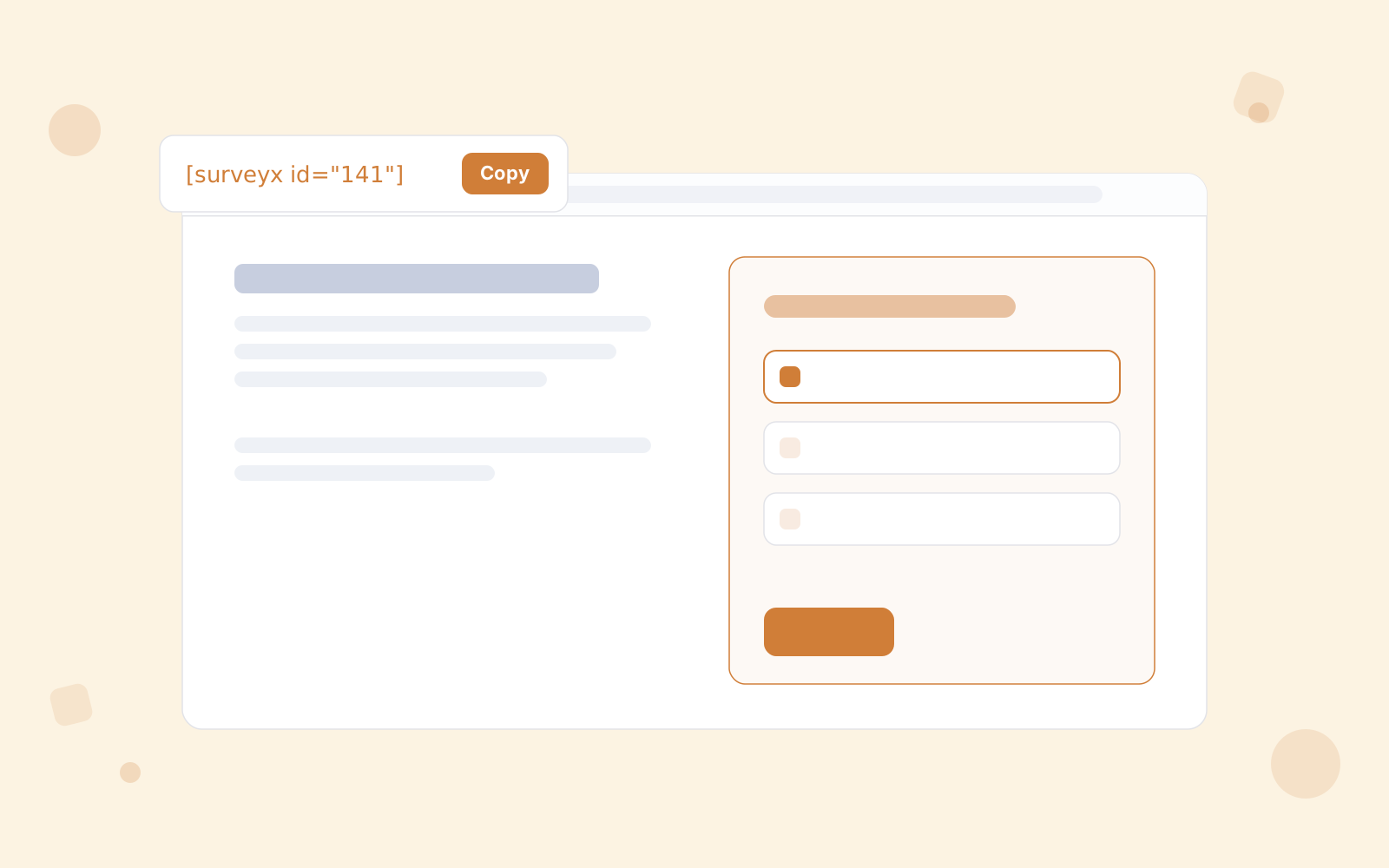
Or put it on a page you already have: the [surveyx id="X"] shortcode works anywhere, and the native Gutenberg block and Elementor widget drop it into your page builder, styled to match.
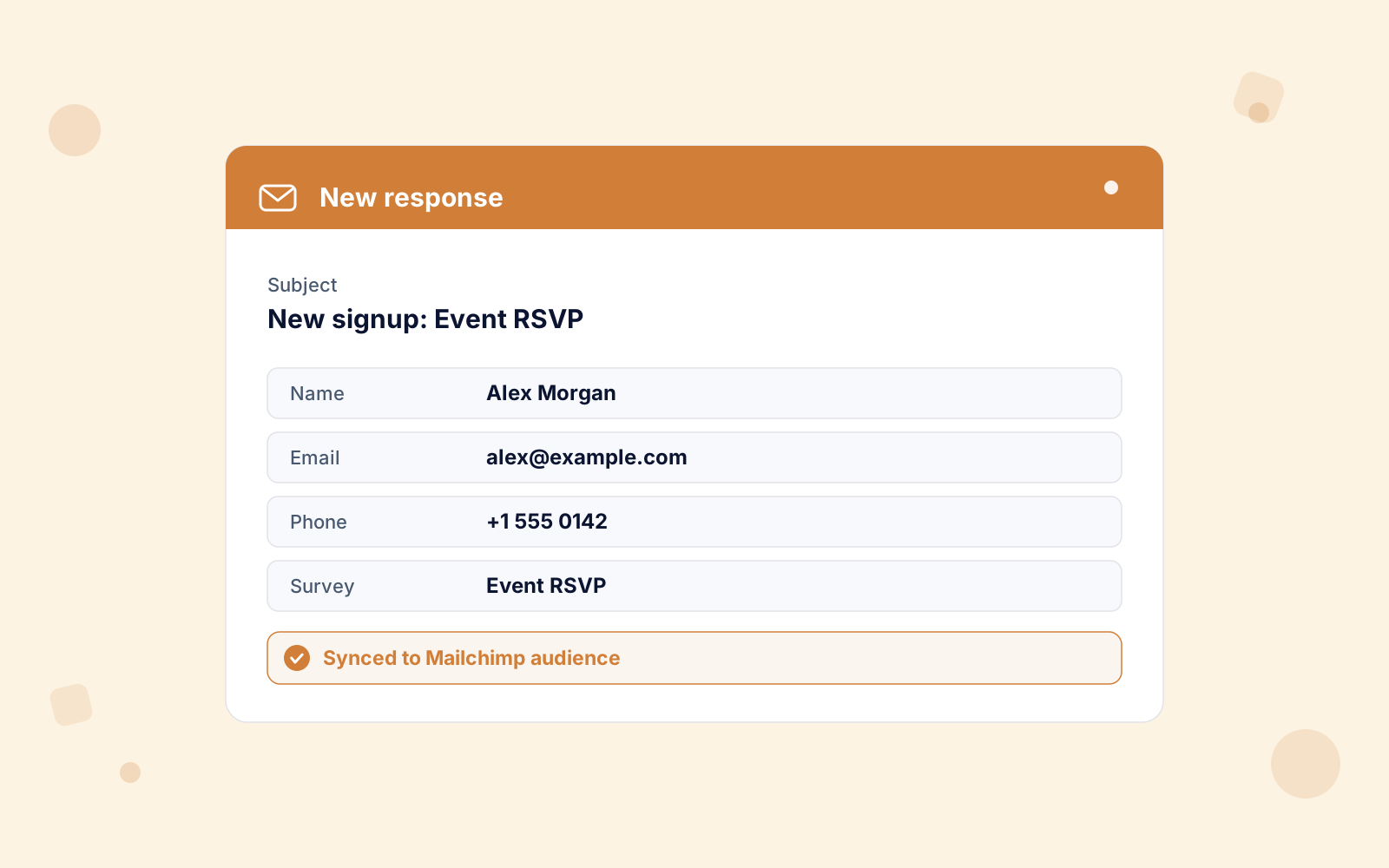
The moment someone registers, an email lands with their name, email, phone and the form they filled in. It goes to the address you set in Settings, so you can follow up while their interest is warm.
Connect Mailchimp and every new registrant flows into the right audience, name and email synced, double opt-in respected. Your form and your mailing list stay in step, with no manual imports.

Pick from 22 themes, 16 of them Pro-only, or build your own with your logo, colours, Google Fonts and backgrounds.
Every form is fully responsive, so a signup looks as sharp on a phone as in a desktop hero.
Name, then email, then taste, one field per screen. The contact details land in your WordPress database.
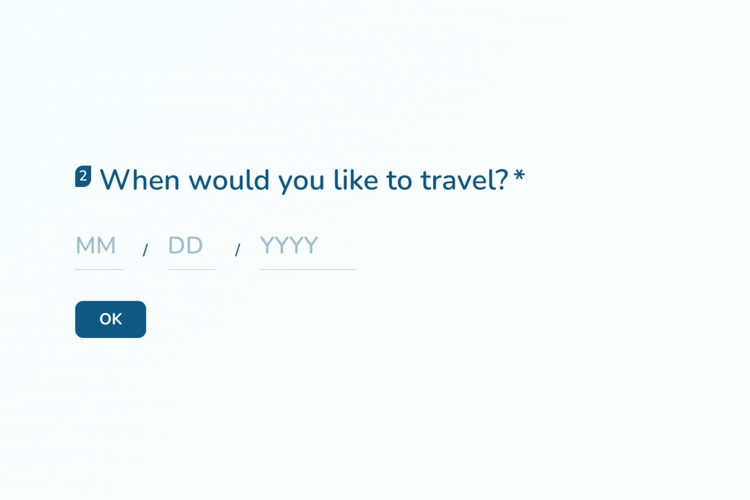
View templateUses the date question for travel dates, so you get a real date rather than a sentence you have to re-read.
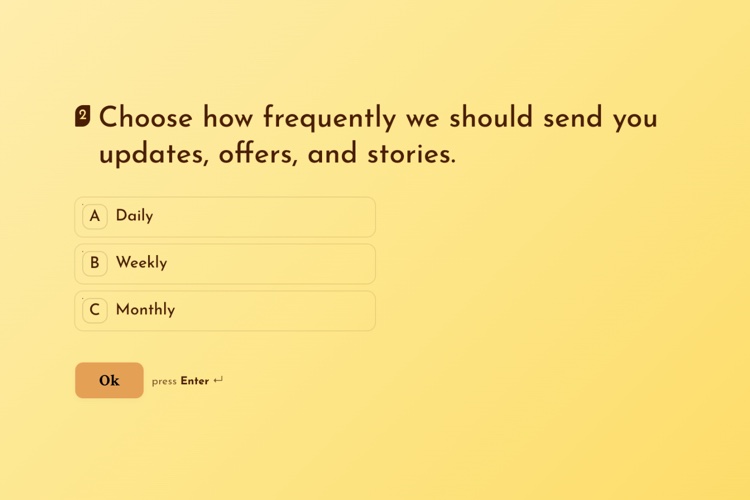
View templateThree questions to a subscriber: name, how often they want to hear from you, and where to send it.
View templateGoogle reCAPTCHA v2 keeps spam signups out, with invisible reCAPTCHA v3 and Cloudflare Turnstile when you want protection real people never see. Every lead you collect sits in your own WordPress database, with no per-lead fee and no third-party service in the middle.
How RSVPs, signups and lead capture work, and where the details you collect end up. Pricing & licensing FAQs
Yes. The contact-info question collects name, email, phone and company in one block and builds a respondent profile from it, with an email notification and Mailchimp sync on every completed submission.
Anywhere the [surveyx id="X"] shortcode goes, plus native Gutenberg and Elementor blocks for drop-in placement in your page builder. You can also skip the page altogether: an activated form is live at /survey/123/your-form/, so an RSVP link drops straight into an invitation, a newsletter or a QR code.
Yes. Notifications are personalized with the respondent's name, email and phone and the survey name.
Entirely. Every submission is stored in your own WordPress database on your own hosting: no per-response fees and nothing locked behind a subscription.