Beautiful by default, unmistakably yours
Every survey looks polished the moment you publish. Pick from ready-made themes, then make it your own with custom colors, fonts, backgrounds and branding, all without writing a line of CSS.
Built for the WordPress ecosystem and the tools you already use
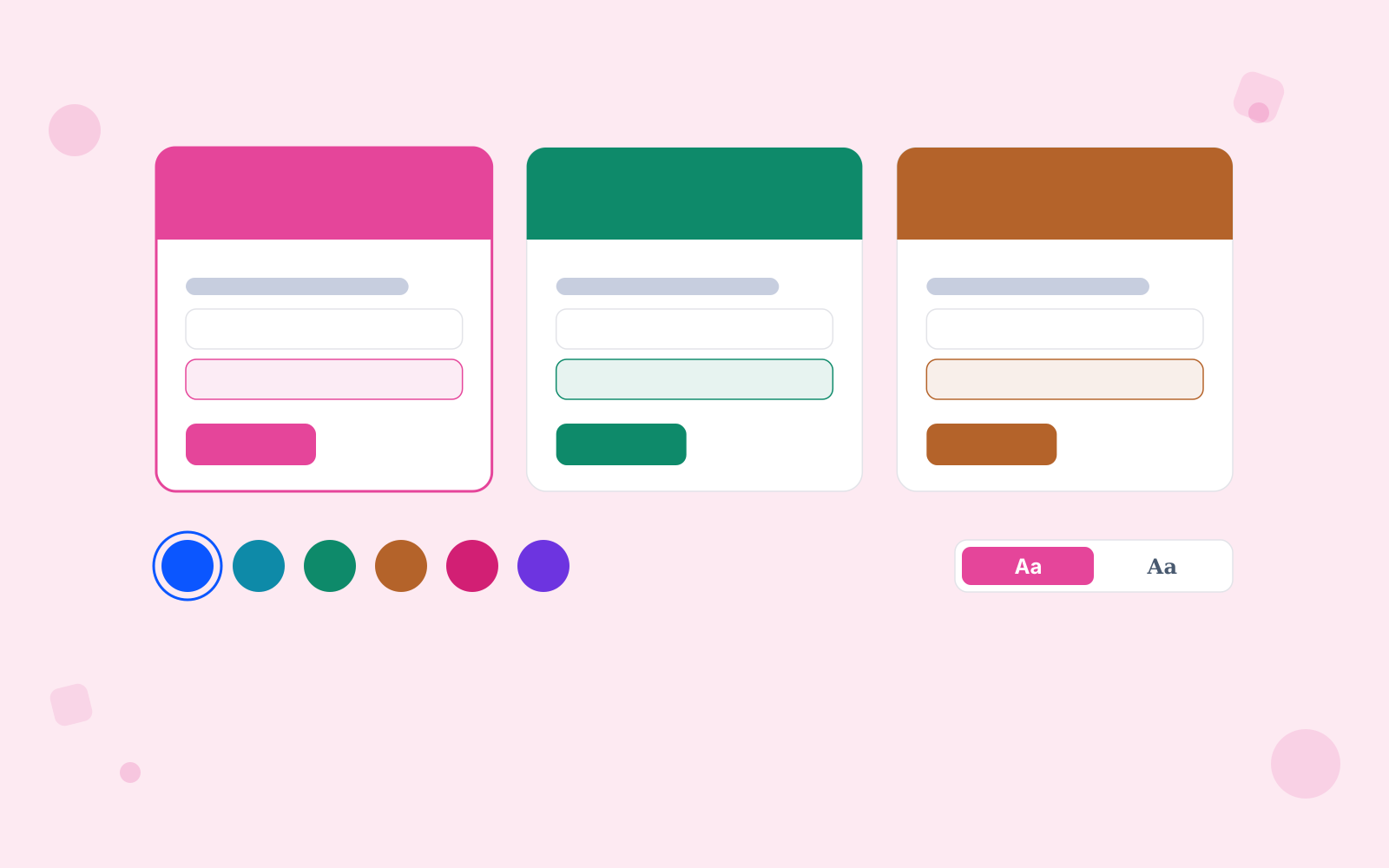
Gorgeous out of the box
Start with 22 themes, 16 of them Pro-only. All finished designs, ready to use as they are.
The set covers light and dark designs, and every one is responsive. Your surveys look right on a phone without extra work.
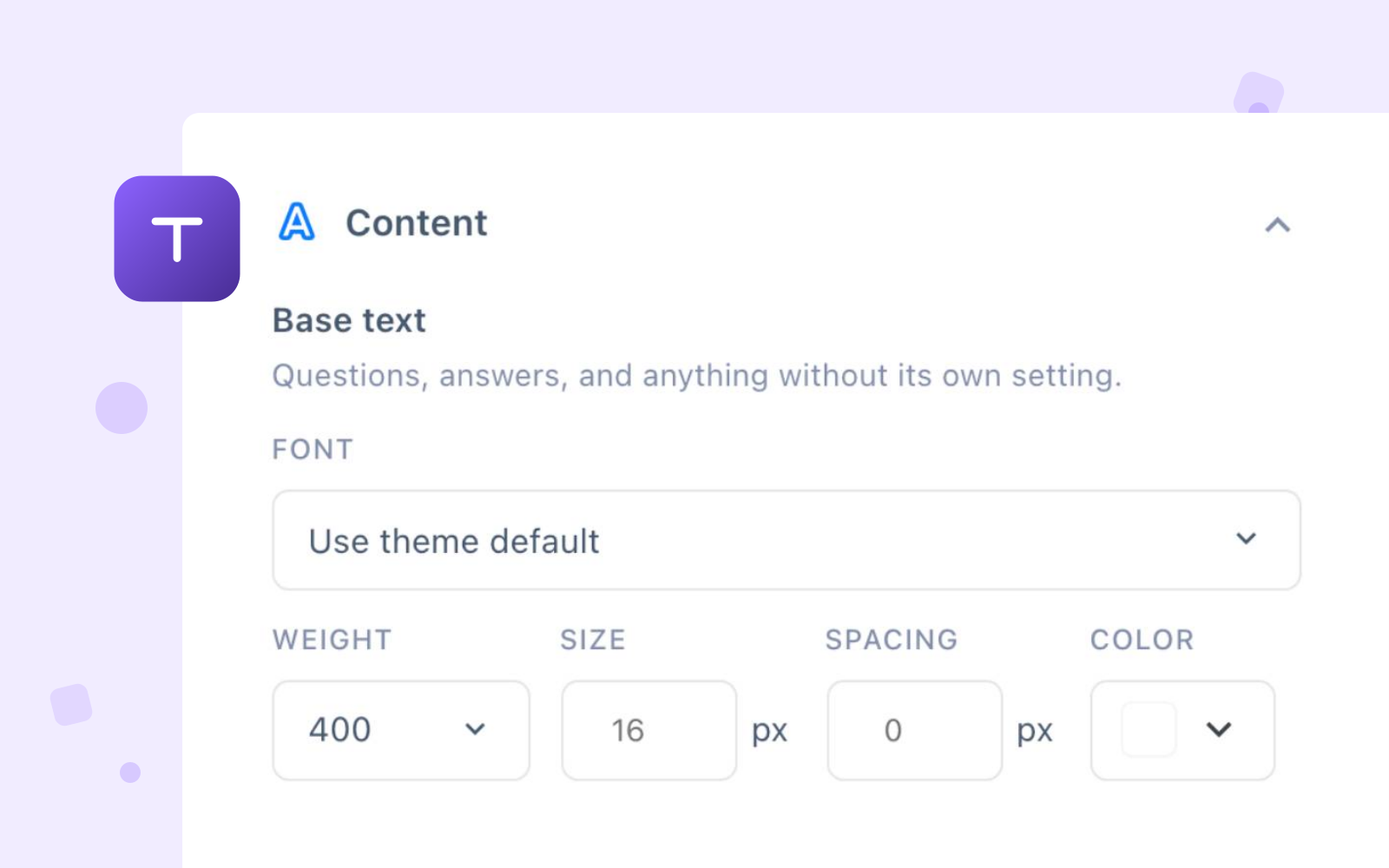
Type, one element at a time
A custom theme sets base text, question title, description and button separately: font, weight, size, letter spacing and colour, element by element. The font list is the whole Google library, 1,907 families with a search box.
Sizes scale down on their own, 90% on a tablet and 80% on a phone, and the spacing follows the title size. Custom themes are Pro; free ships six of the twenty-two.
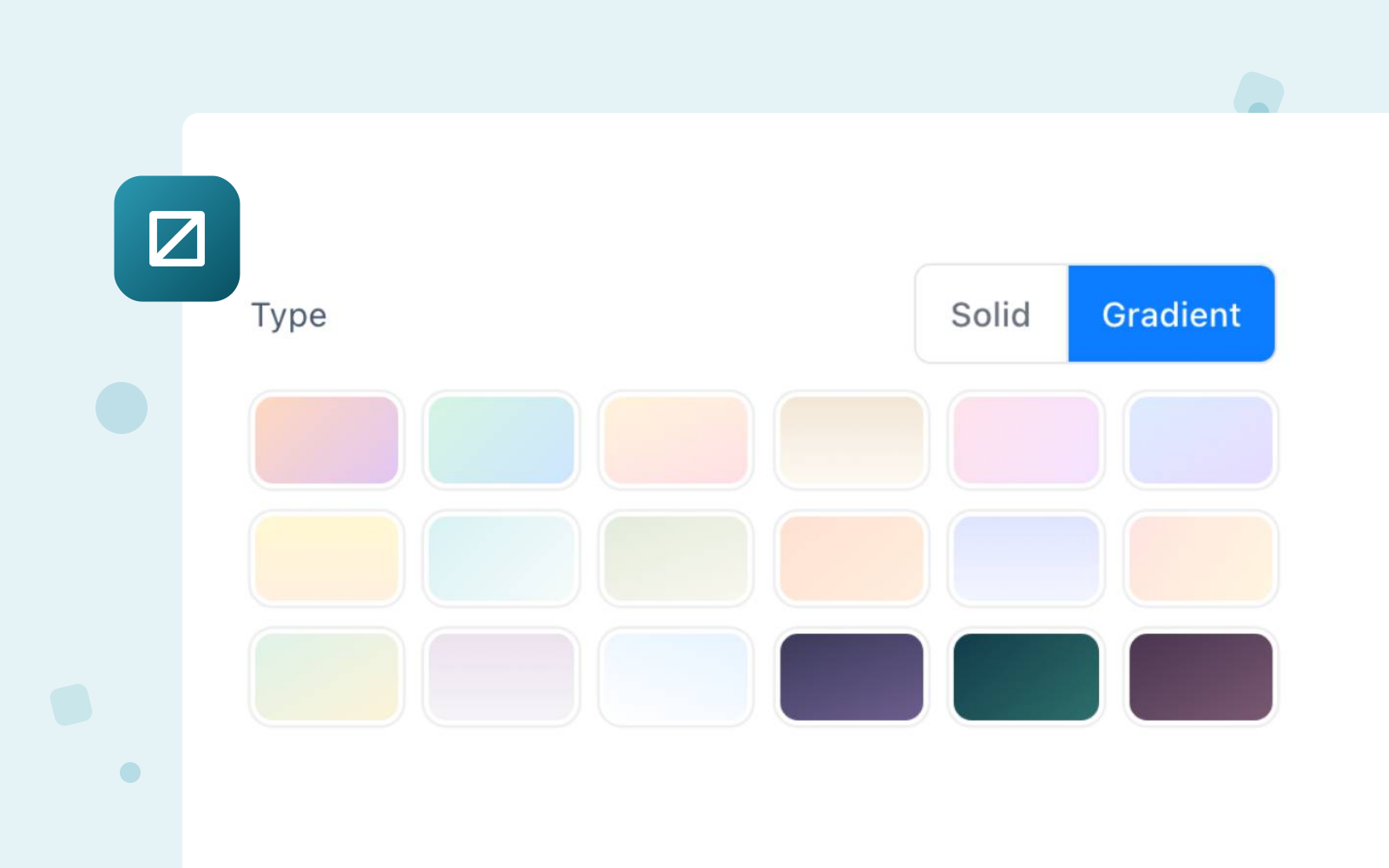
Solid, gradient, or your own photo
Choose a flat colour, a gradient with its own start, end and angle, or upload an image and pull its opacity down until the questions still read.
Eighteen gradients are there to start from. Your own logo goes above all of it in the header, which Pro adds; free can switch our credit off but not replace it.
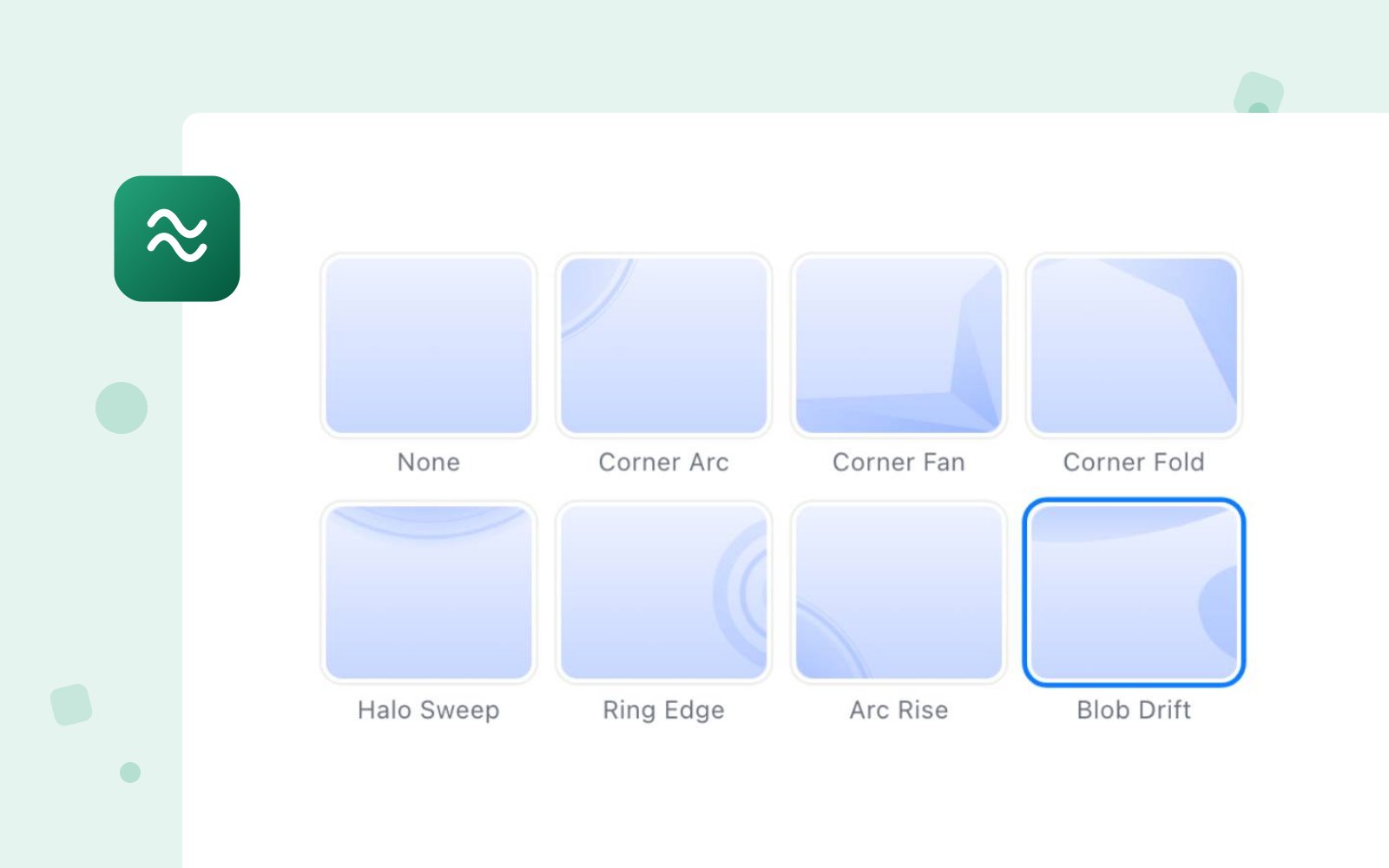
Twenty-two decorations, in your colour
Sixteen shapes sit against the edges of the page and six textures tile behind the whole thing. Each one takes a colour and an opacity of your own.
They start at 18%, which reads as texture rather than as pattern. Push it up when the survey is the page, and down when it sits inside one.
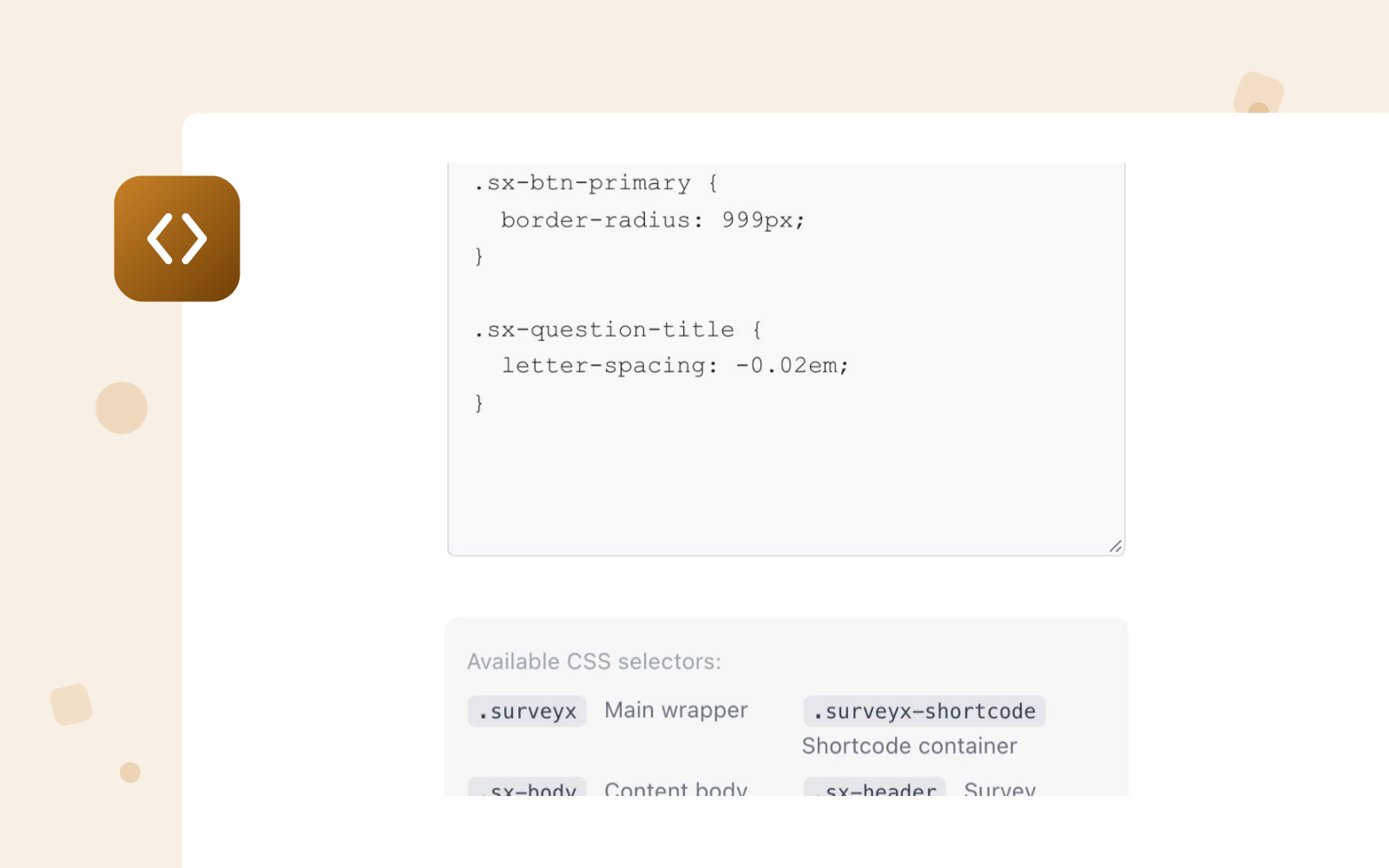
CSS, against named selectors
Every custom theme carries a CSS box, and the editor lists the thirteen selectors it is written against, from .surveyx down to .sx-btn-primary.
What you write is appended to that theme's own stylesheet, so it travels with every survey using the theme and touches nothing else on your site.
Design questions?
We have the answers
Themes, branding, fonts and what it takes to make a survey look like your own site. Pricing & licensing FAQs
22 in total: 6 in the free plugin and 16 more with Pro, all ready to use. The set covers light and dark designs, and every theme is responsive, so a survey looks right on any screen without extra work. If none of them is quite right, the custom theme builder lets you set every colour yourself.
Yes. Build your own theme and set colours, buttons, containers and typography from 1,000+ Google Fonts. Add a custom background and your own logo, and drop in custom CSS if you need it.
Yes, on every plan. The free plugin has the same switch, because a plugin on WordPress.org cannot force its credit on you. Pro goes further: it replaces that credit with your own logo, link and wording, and adds a header logo and site-wide white-label.
No. Everything above is set visually in the theme builder. Custom CSS is there if you want it, not because you need it.