What Skills Should We Prioritize When Identifying Top Talent?
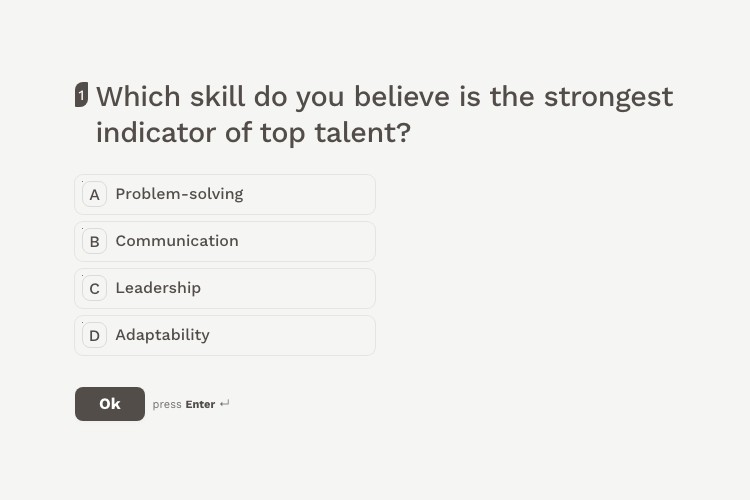
Asks which skill actually predicts a strong hire, on the lettered multiple choice most surveys open with.
View templateAsk exactly what you need to know. 13 question types, unlimited questions per survey, and skip logic that sends each answer to the right next question.
Built for the WordPress ecosystem and the tools you already use
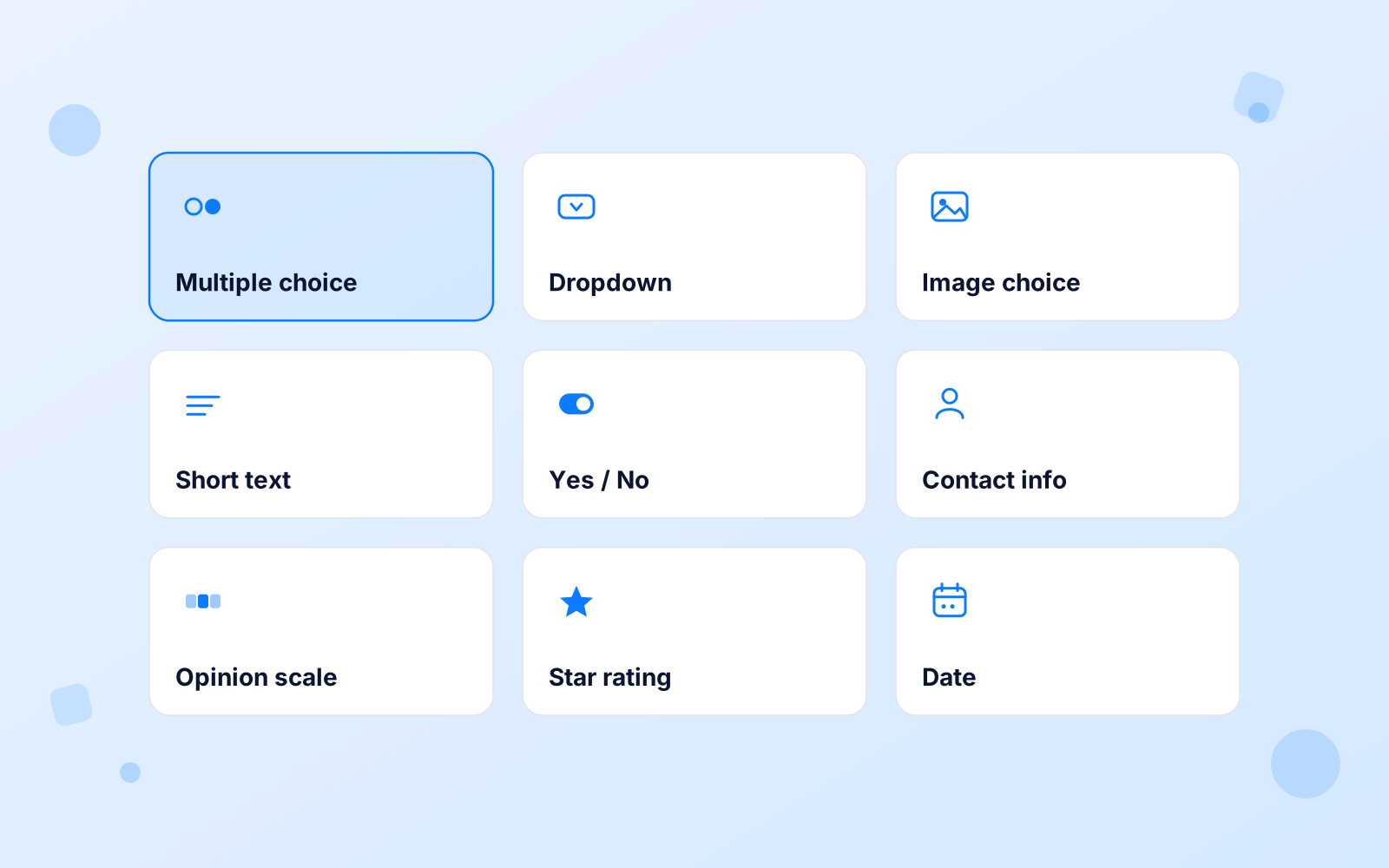
13 question types cover the ground. Seven are free: multiple choice, multi-select, dropdown, text input, yes/no, and single or multi image choice.
Pro adds six: star ratings, a 0–10 opinion scale for NPS, contact-info fields, date pickers, file upload, and a matrix that rates a list of statements on one scale. Questions are unlimited, and any of them can recall an earlier answer.
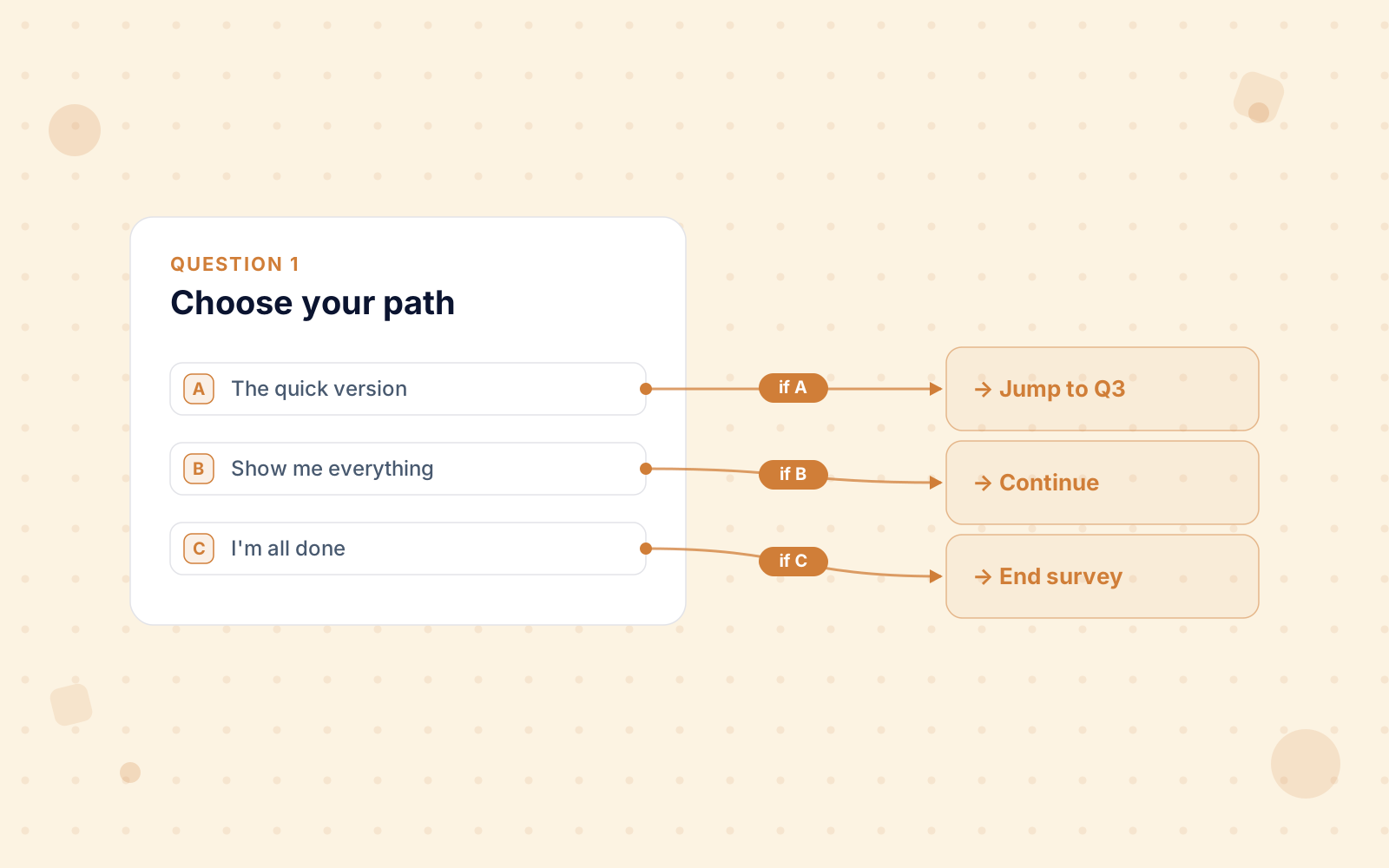
Build smart, conditional flows without code. Set per-answer rules: pick A, jump to question three; pick B, skip ahead.
People only see the questions that matter to them. Shorter survey, cleaner data.
Reading a list of question types tells you less than seeing one answered. Each card below is a live template opened at a different control: a multiple choice, a 0–10 opinion scale, an open text box, a dropdown, a contact-info block and an image choice. Click any of them to take it.
Asks which skill actually predicts a strong hire, on the lettered multiple choice most surveys open with.
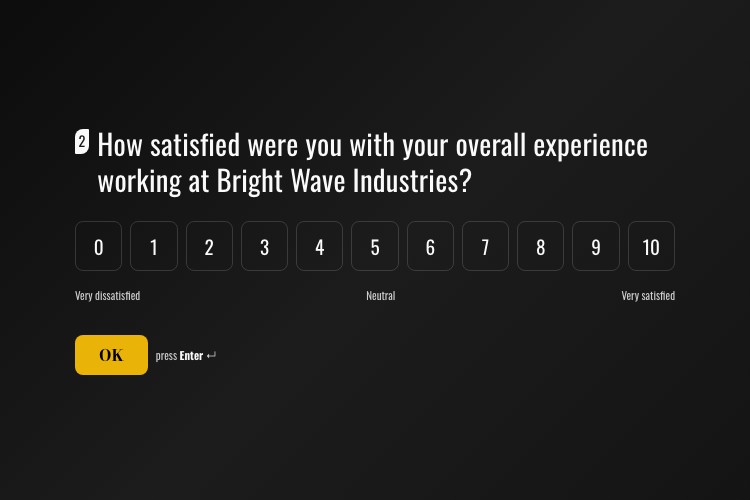
View templateWalks a leaver through why they went, and rates the job itself on a 0–10 opinion scale.
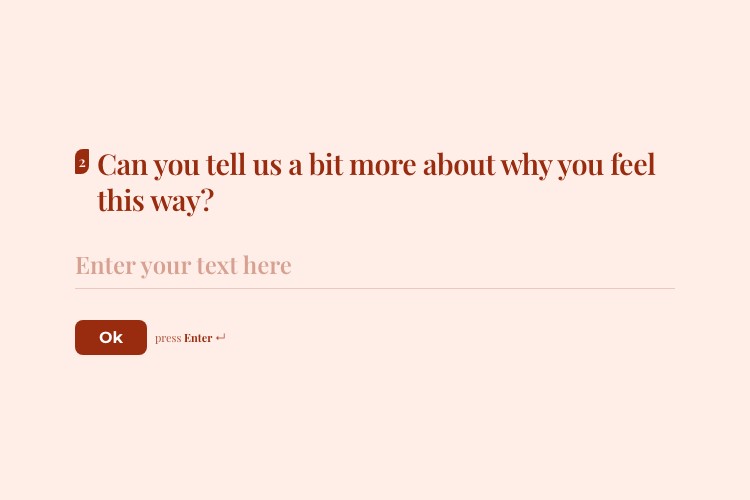
View templateAsks how safe the workplace feels, then opens a text box for the part a scale cannot hold.
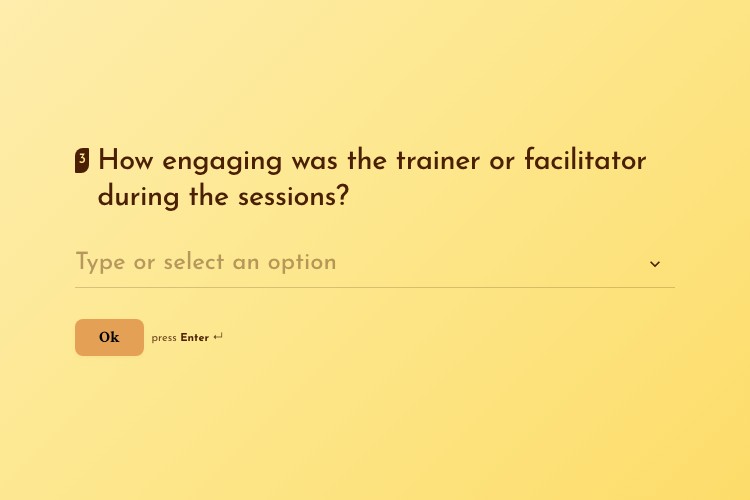
View templateRates a training course question by question, one of them on a dropdown instead of a visible list.
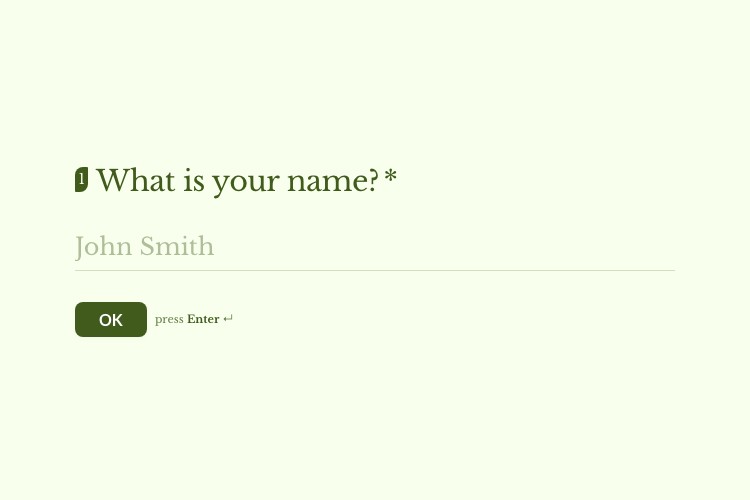
View templateOpens on a contact-info question, which takes name, email, phone and company as one block.
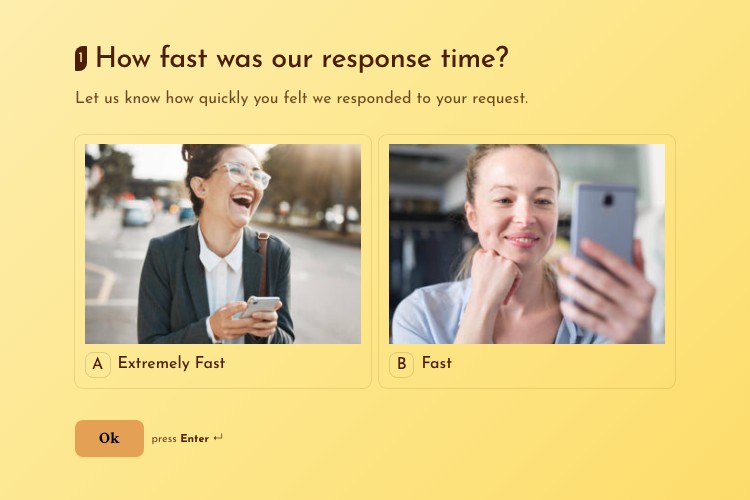
View templateAsks how quickly support replied and answers it with pictures, on an image-choice question.
View templateHow the question types differ, and how skip logic and answer recall actually behave. Pricing & licensing FAQs
Thirteen. Seven are free: multiple choice, multi-select, dropdown, text input, yes/no, image choice and multi-image choice. Pro adds six more: star ratings, a 0–10 opinion scale for NPS, contact-info fields, date pickers, file upload and a matrix / Likert grid.
It rates a list of statements against one shared scale in a single question: the classic “strongly disagree to strongly agree” grid. Respondents pick one column per row, or several if you allow it, and you can require an answer on every row. Give the columns numeric values and the summary shows the count and share in each cell, plus an average per row.
Yes, with the file upload question. Allowed types are images, PDF, Word, Excel, PowerPoint, TXT, CSV and ZIP. Set a size limit per file from 1 to 25 MB, a total cap, and how many files each person may attach, up to ten. Files land in your own WordPress uploads folder, and executable and script files are rejected server-side. Every upload shows as a download link on the response, and the links are included in the CSV export.
As many as the research needs. Questions are revealed one screen at a time, so a long survey never arrives as a wall of fields.
It sets per-answer rules: pick A and the next question is three, pick B and you skip ahead. Respondents only ever see the questions that apply to them, which lifts completion and keeps the data clean.
It pulls an earlier answer into a later question. Instead of a generic "How satisfied are you?", someone sees "How satisfied are you with your recent order, Alex?" using a name they already gave you.