Add a date question
The date question collects a date. It needs Pro.
Date needs an active Pro licence. See pricing.
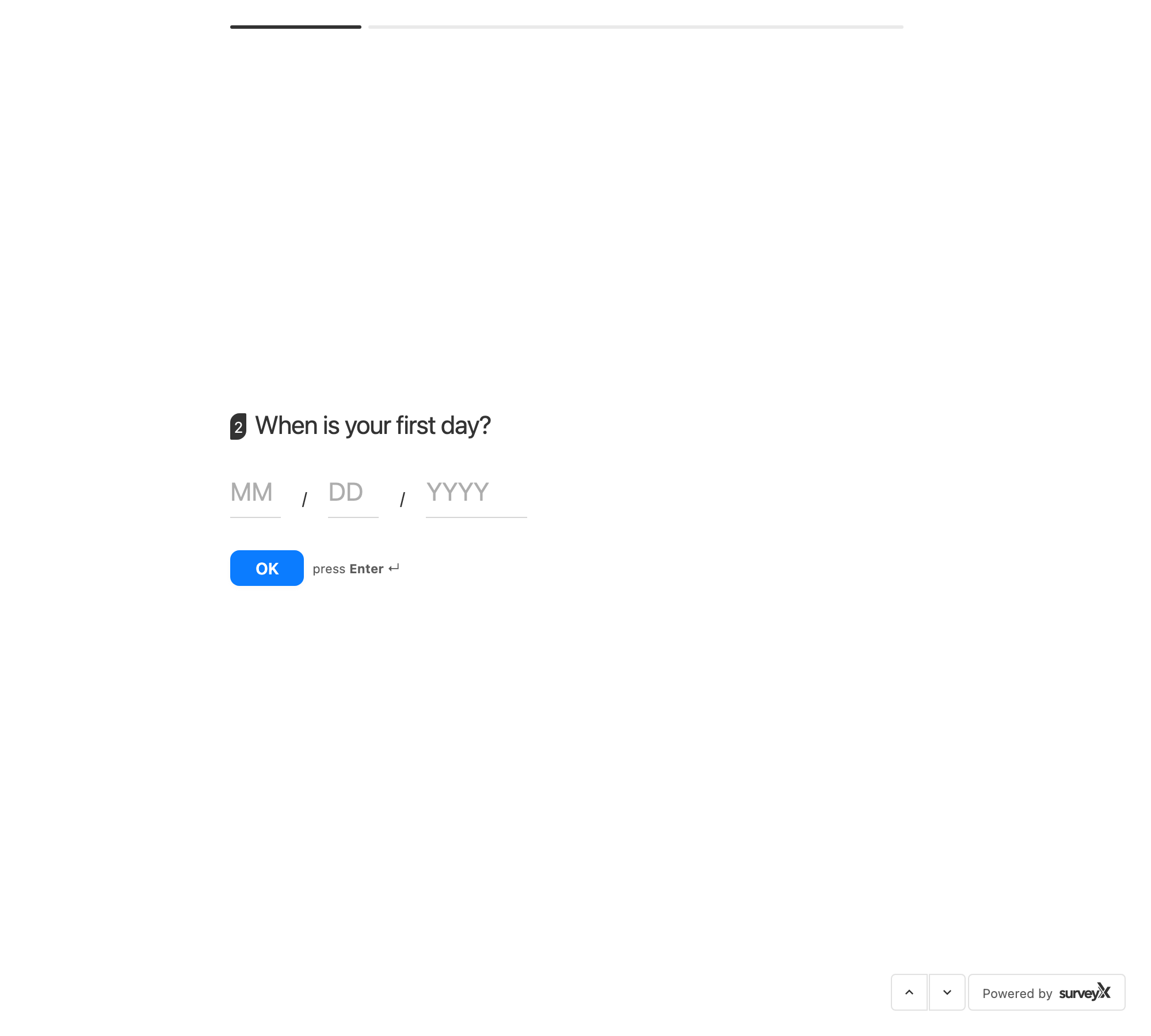
Date isn't a calendar picker — it's three plain text fields, Month, Day, and Year, each accepting numbers only. Typing into one field moves focus to the next automatically.
| Setting | What it does | Default | Limits | Edition |
|---|---|---|---|---|
| Date format | Controls how the date is displayed to you and the respondent | MM/DD/YYYY | MM/DD/YYYY, DD/MM/YYYY, YYYY-MM-DD, or YYYY/MM/DD | Pro |
| Show label | Shows field labels above the three inputs | — | — | Pro |
Date format only changes how the date is displayed — it doesn't change what's stored. SurveyX always saves the month, day, and year as three separate values.
There's no setting to restrict which dates are allowed. SurveyX checks that all three fields are filled in — a partially completed date is rejected, not silently accepted — but it doesn't block a future date, a date before a given year, or any other range.
What respondents see: three text fields, Month, Day, and Year, with numeric keyboards on mobile devices.
Troubleshooting
I need a calendar picker. Not available — the date question is three text fields, not a calendar widget.
I need to block dates before or after a certain year. Not available — SurveyX checks only that the date is complete, not that it falls in a range.
Changing Date Format didn't change what's stored. That's expected — Date Format only changes the display; the stored month, day, and year values stay the same.